
REST API resources must be enabled by Emburse, and customers need a customer code and environment-specific API key.
Teams planning integrations should account for vendor coordination and separate production and QA/UAT credentials.
Evidence source ↗
Chrome River, now Emburse Expense Enterprise, is cloud-based expense management software with configurable policy controls, approval workflows, receipt capture, and financial-system integrations.
The product offers configurable expense policies, approval routing, OCR receipt capture, analytics, mobile access, and ERP/API integration options. Capterra reports 4.4/5 from 176 reviews, though pricing is not public and configuration needs may affect implementation effort.
This profile combines documented product information and independent evidence where available. It is not a hands-on test unless TechZella explicitly identifies one.
A quick way to understand who this product may suit, where its limits matter, and which facts are most relevant before you compare alternatives.
Organizations managing complex expense policies, approval paths, multiple entities, or global tax and currency requirements, especially those integrating expense workflows with finance systems.
Buyers seeking transparent self-serve pricing or a public free trial may find the sales-led evaluation process inconvenient. Organizations with simple expense needs may not require its configurable enterprise workflows, and should evaluate alternatives such as SAP Concur or Expensify instead.
Android, iOS, SaaS, Web
7.8/10
These are the product-specific differences that may matter when deciding whether the software fits your workflow. They are based on documented evidence rather than a universal ranking.
These are documented constraints or practical friction points that may matter before you adopt the product.
Teams planning integrations should account for vendor coordination and separate production and QA/UAT credentials.
Evidence source ↗Buyers may encounter legacy Chrome River names in integrations, app listings, and internal documentation.
Evidence source ↗Public list pricing is not shown on the reviewed product page. Capterra reports that a free trial is unavailable; Emburse offers a free customized demo.
Check current pricing →Pricing may change. Verify current plans on the vendor's website.
Compare the product with documented alternatives across the factors that can change a buying decision. Each row is evidence-backed rather than a generic feature checklist.
| Decision factor | Chrome River | SAP Concur |
|---|---|---|
| Pricing model | Capterra lists Emburse Expense Enterprise pricing as contact vendor. | SAP Concur publishes Base starting at $7 per report and Plus starting at $11 per report; Premium is custom-priced. Source ↗ |
| Core scope | Expense Enterprise focuses on configurable expense reporting, policy enforcement, approvals, and financial integrations. | SAP Concur lists expense products alongside travel, invoice, reporting, and support options in its plans. Source ↗ |
| Decision factor | Chrome River | Expensify |
|---|---|---|
| Pricing model | Capterra lists Emburse Expense Enterprise pricing as contact vendor. | Expensify lists a free Submit option, Collect at $5 per member monthly, and custom pricing for Control. Source ↗ |
| Core scope | Expense Enterprise emphasizes configurable enterprise workflows and global expense controls. | Expensify lists receipt scanning, expense reports, reimbursements, card management, and travel approvals across its plans. Source ↗ |
Only factors supported by the available research are shown. The comparison is descriptive, not a ranking.
Compare similar products directly, then see which alternatives may make more sense when your requirements differ.
| Decision factor | Chrome River | SAP Concur | Expensify |
|---|---|---|---|
| Pricing model | Capterra lists Emburse Expense Enterprise pricing as contact vendor. | SAP Concur publishes Base starting at $7 per report and Plus starting at $11 per report; Premium is custom-priced. Source ↗ | Expensify lists a free Submit option, Collect at $5 per member monthly, and custom pricing for Control. Source ↗ |
| Core scope | Expense Enterprise focuses on configurable expense reporting, policy enforcement, approvals, and financial integrations. | SAP Concur lists expense products alongside travel, invoice, reporting, and support options in its plans. Source ↗ | Expensify lists receipt scanning, expense reports, reimbursements, card management, and travel approvals across its plans. Source ↗ |
Only factors supported by the available research are shown. The comparison is descriptive, not a ranking.
These products address broadly similar requirements. The descriptions focus on documented reasons a buyer might compare them with Chrome River.
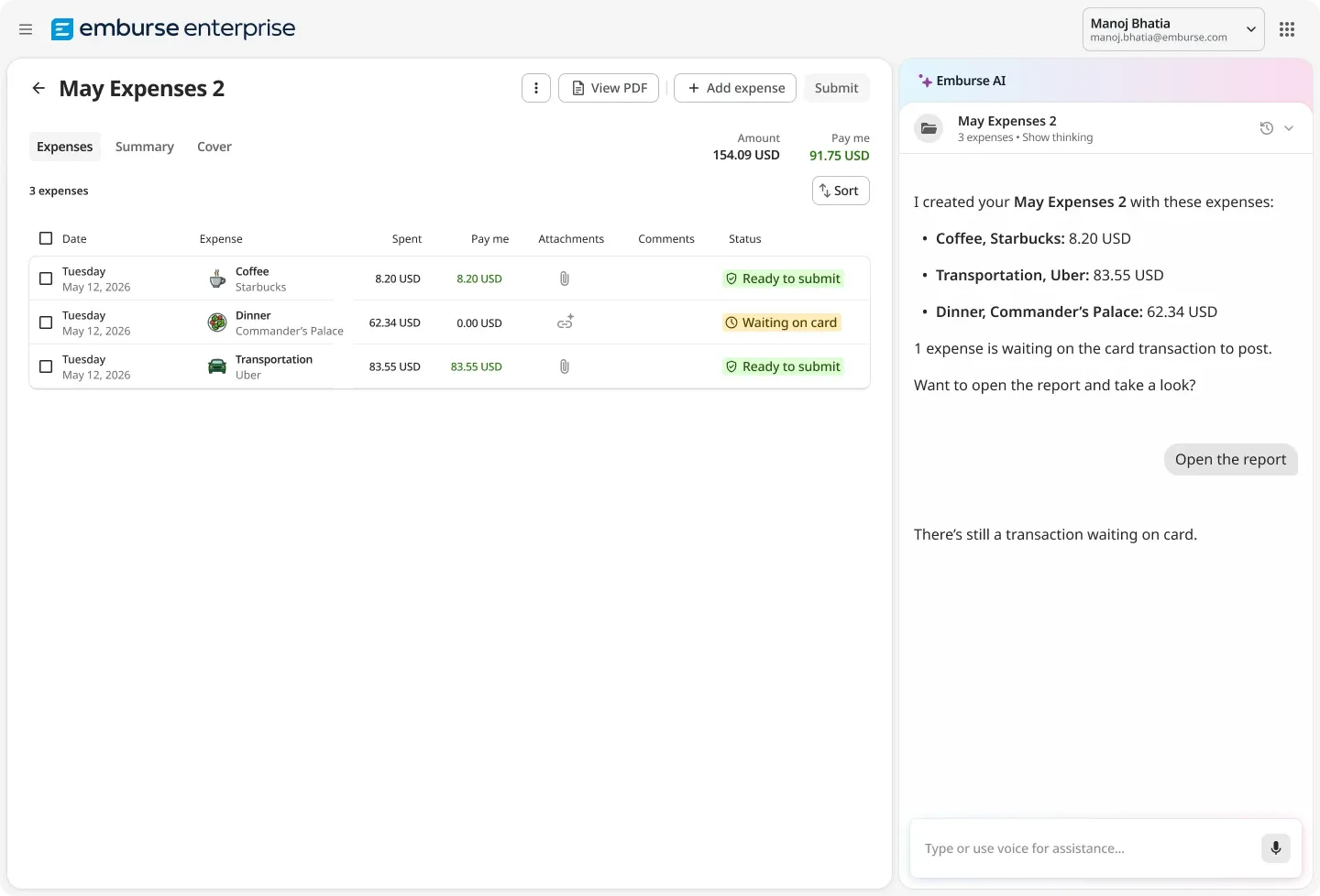
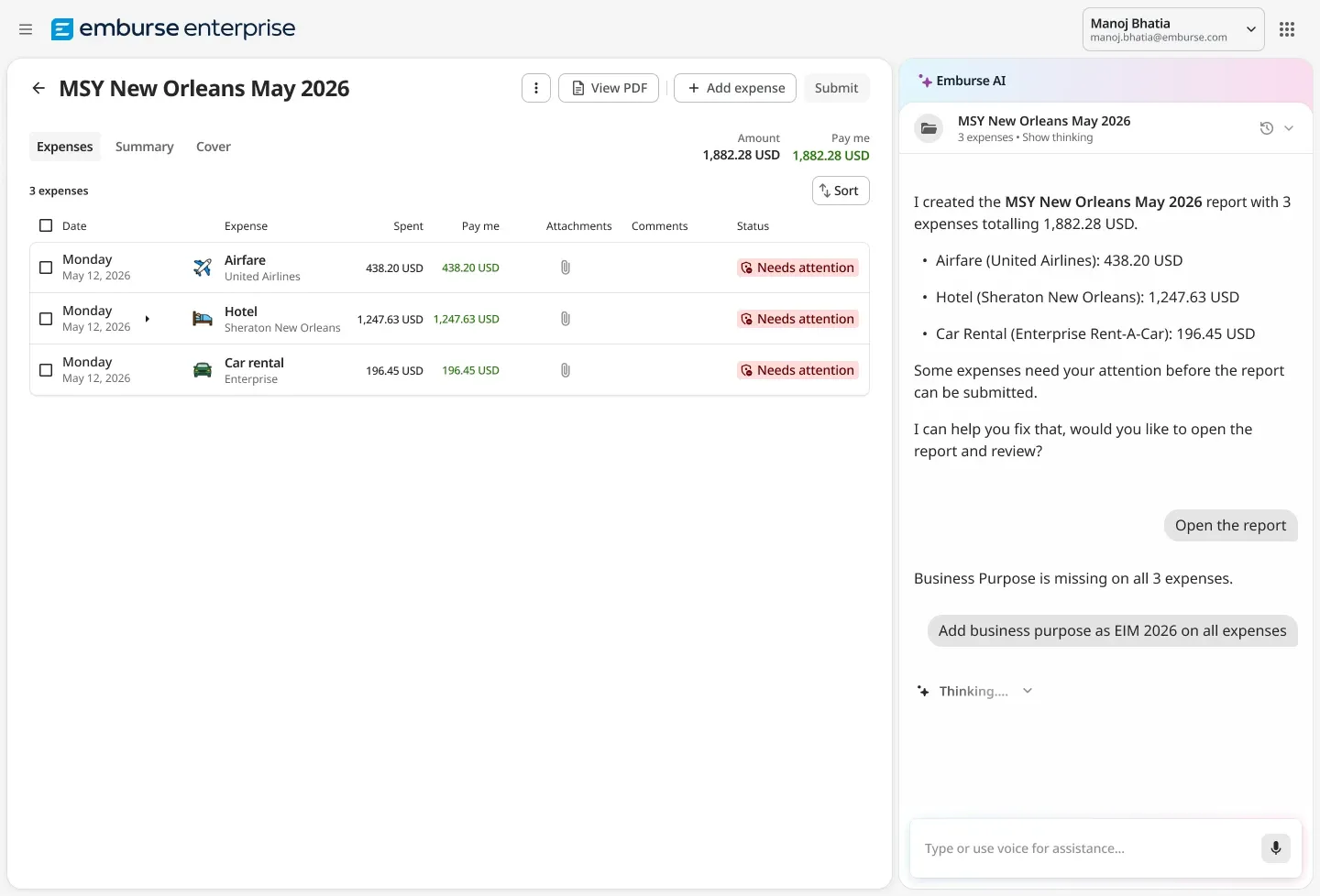
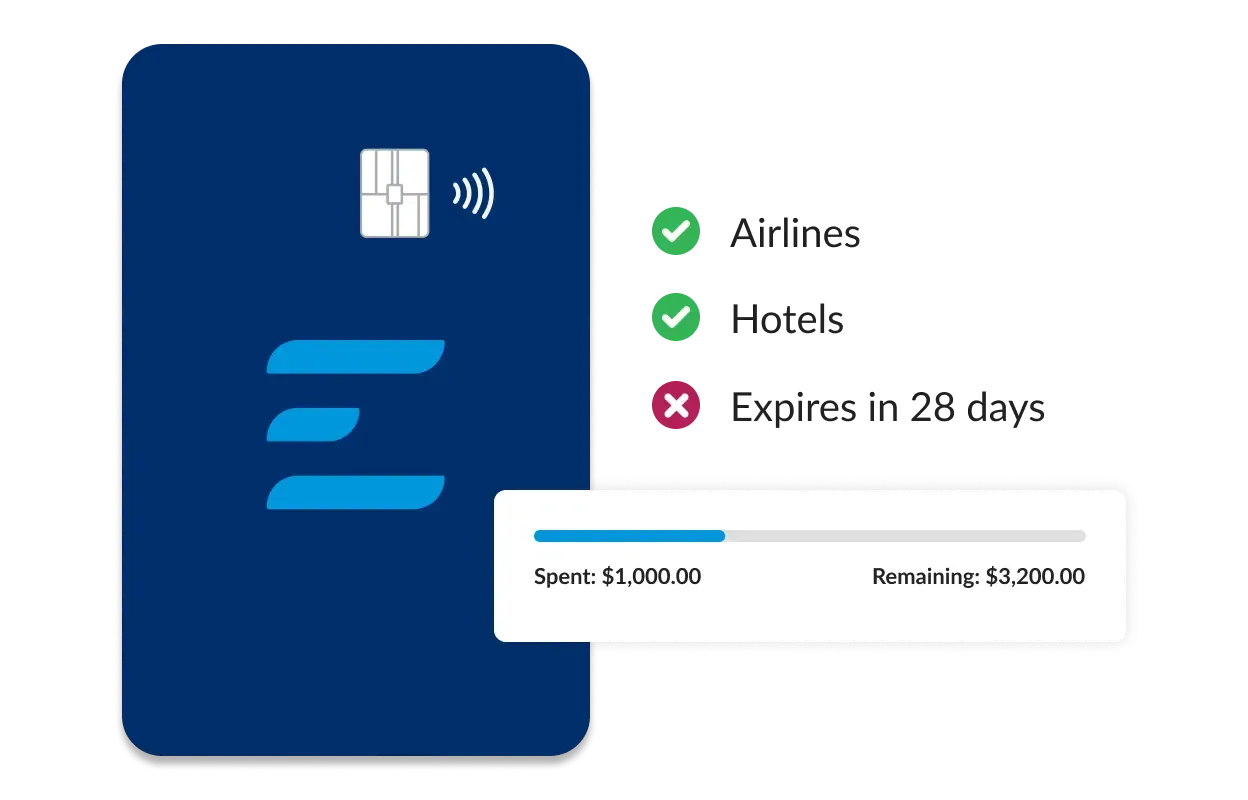
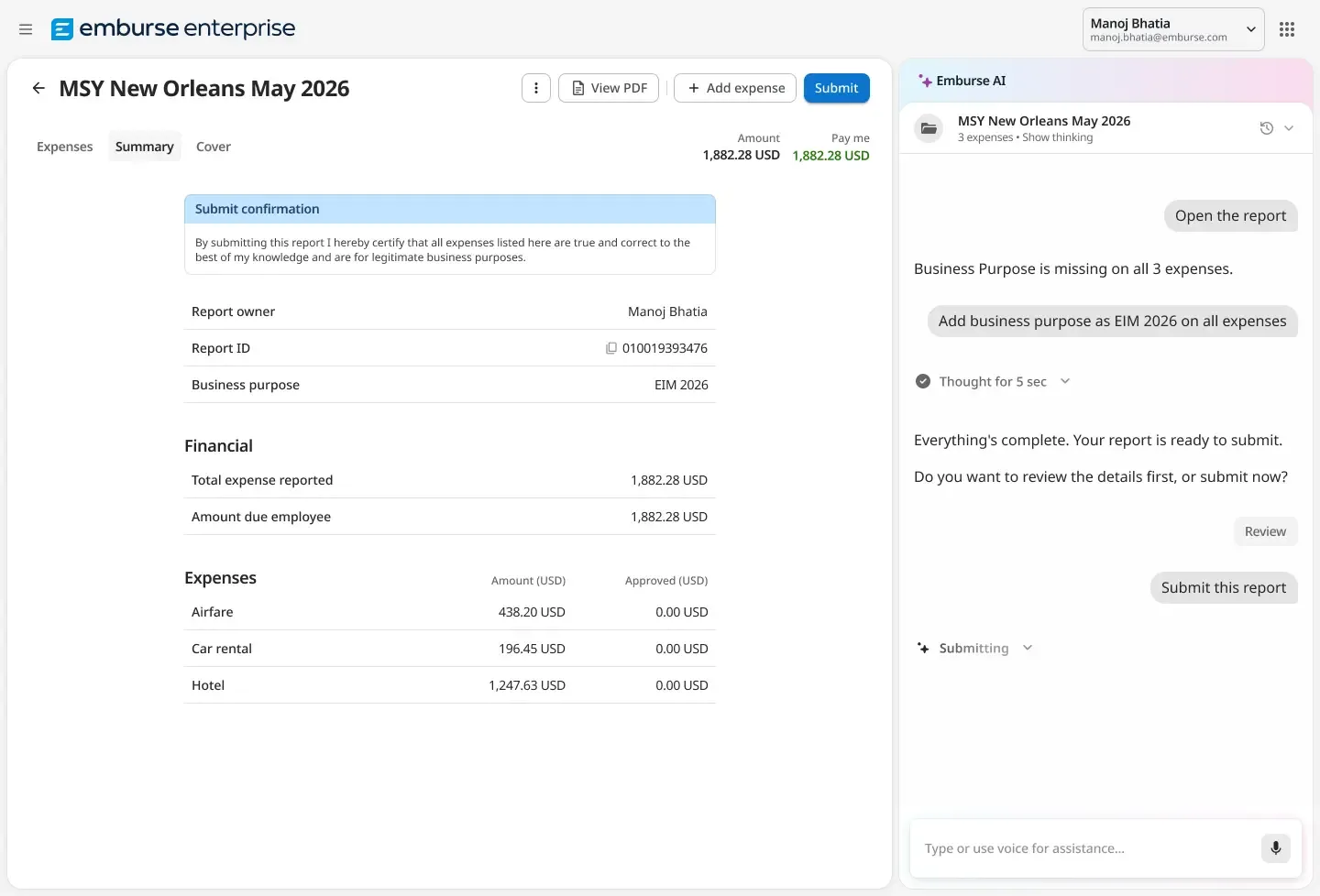
Chrome River is now Emburse Expense Enterprise, an expense management product for organizations with configurable travel and expense requirements. Its features include policy controls, automated approvals, OCR receipt capture, corporate-card integration, and expense analytics.
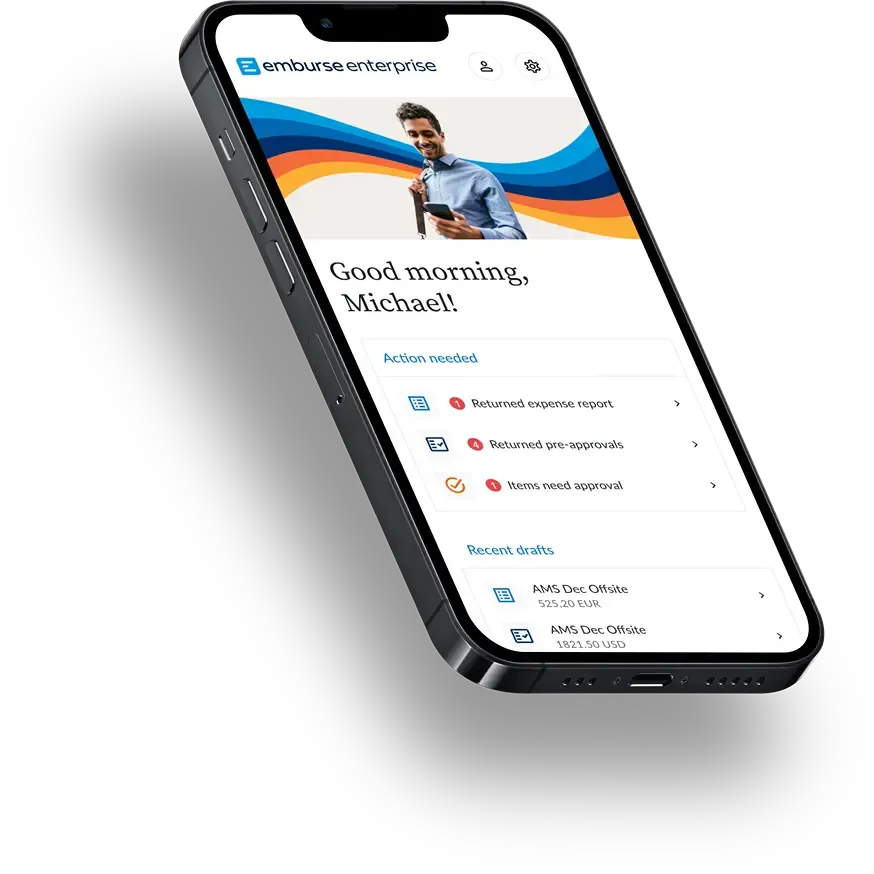
The vendor describes a SaaS mobile web application for use across computers, tablets, and smartphones. Dedicated Emburse Enterprise apps are also available for iOS and Android. The product supports multiple currencies and languages, plus tax handling for jurisdictions including VAT, GST, PST, HST, and FBT.

| Current product name | Emburse Expense Enterprise |
|---|---|
| Deployment | SaaS mobile web application |
| Mobile applications | Android and iOS |
| API | REST APIs; resource activation and customer credentials are required |
| Integration methods | ERP connectors, file transfer, data feeds, REST APIs, single sign-on, credit-card integration, and travel data integration |
| Free trial | Unavailable per Capterra |
Verified installation, hosting, administration, or environment details that can affect implementation.
| Hosting | The vendor describes Expense Enterprise as a SaaS-based solution and mobile web app. Source ↗ |
|---|---|
| Mobile access | Emburse Enterprise mobile apps are listed for iOS and Android. Source ↗ |
Documented portability, standards, export, or switching considerations. No switching-cost score is shown unless the evidence supports one.
The vendor documents ERP connectors, inbound and outbound data feeds, file transfer, and REST APIs. It does not publicly specify a universal customer migration process.
Evidence source ↗A proprietary editorial score based on product capabilities, usability, value, performance, support and user sentiment evidence.
The product offers configurable expense policies, approval routing, OCR receipt capture, analytics, mobile access, and ERP/API integration options. Capterra reports 4.4/5 from 176 reviews, though pricing is not public and configuration needs may affect implementation effort.
Methodology v1.0. The assessment weighs feature coverage (25%), ease of use (15%), value for money (20%), performance (15%), support (10%) and user sentiment (15%), using researched product evidence and verified review evidence where available. It is a TechZella editorial assessment, not a direct user-review average.
Key claims are linked to the sources used to verify them. This evidence record is separate from third-party user ratings.
TechZella evaluates software using documented product capabilities, pricing information, usability and value considerations, independent user evidence where available, and competitive context. The assessment is an editorial review, not a hands-on test unless one is explicitly identified. Our editorial assessment is based on 5 documented sources.
The official product page identifies Emburse Expense Enterprise as the current name for Chrome River Expense.
View source ↗Verified 2026-10-18The official product page lists these capabilities among Expense Enterprise features.
View source ↗Verified 2026-10-18The vendor documents ERP connectors, file transfers, feeds, single sign-on, card integrations, and REST API specifications.
View source ↗Verified 2026-10-18The help article explains both methods and notes that API access must be enabled for the customer.
View source ↗Verified 2026-10-18The public Capterra listing displays the overall rating and review count for Emburse Expense Enterprise.
View source ↗Verified 2026-10-18The release note describes approval-order and assignment fields in Emburse Analytics.
View source ↗Verified 2026-10-18Is Chrome River still the product name? No. The vendor identifies Chrome River Expense as Emburse Expense Enterprise.
Is there a free trial? Capterra reports that a free trial is unavailable. Emburse offers a free customized demo.
Does it provide an API? Yes. Emburse documents REST APIs as well as data feeds. The implementation team must enable API resources and provide customer credentials.
Which platforms are supported? The product is offered as a SaaS mobile web application, with Emburse Enterprise mobile apps listed for iOS and Android.
Which integrations are available? Emburse documents ERP connectors, file transfer, feeds, single sign-on, credit-card integration, travel data integration, and REST APIs. Specific ERP transfer workflows should be confirmed during implementation.
No reviews yet. Be the first to share your experience.
Please log in to submit a review.