
QuickBooks Desktop requires manual export and upload rather than a direct integration.
Accounting teams using this desktop product should budget for a manual reconciliation step or evaluate another supported workflow.
Evidence source ↗
Brex combines corporate cards, expense management, bill pay, reimbursements, travel and business accounts in a finance platform with accounting integrations and APIs.
Brex offers cards, expense controls, bill pay, reimbursements, travel, accounting connections and APIs. The free Essentials tier and published Premium price support value assessment; G2 shows a 4.8 aggregate rating, but this research did not analyze a representative sample of individual reviews.
This profile combines documented product information and independent evidence where available. It is not a hands-on test unless TechZella explicitly identifies one.
A quick way to understand who this product may suit, where its limits matter, and which facts are most relevant before you compare alternatives.
Finance teams seeking to combine corporate cards, policy-based expense controls, reimbursements, bill pay and accounting workflows, particularly when they use supported ERP or HRIS integrations.
Organizations requiring direct QuickBooks Desktop synchronization, or buyers who need a publicly stated Enterprise price before speaking with sales, and should evaluate alternatives such as Ramp: a close comparison for companies seeking cards, expenses, AP automation, travel and procurement in a single spend platform. or BILL Spend & Expense: a comparable card-and-expense product that can be paired with BILL's separate AP and AR software. instead.
API, iOS, SaaS, Web, Zapier
8.4/10
These are the product-specific differences that may matter when deciding whether the software fits your workflow. They are based on documented evidence rather than a universal ranking.
These are documented constraints or practical friction points that may matter before you adopt the product.
Accounting teams using this desktop product should budget for a manual reconciliation step or evaluate another supported workflow.
Evidence source ↗Confirm the integration, plan eligibility and add-on charges before relying on automated data synchronization.
Evidence source ↗The listed per-user price may not represent the full invoice when provisioned users exceed the commitment or card activity has separate charges.
Evidence source ↗Companies with frequent foreign-currency purchases should include conversion costs in their spend estimates.
Evidence source ↗Free plan listing corporate card acceptance, one local card program, AI-powered custom rules, up to two entities, accounting integrations, local-currency wires, travel booking, real-time reporting, API access, bill pay and reimbursements.
Check current pricing →Paid plan for mid-sized companies; listed as including Essentials capabilities and additional features. Confirm included features, billing terms and overage rules with Brex.
Check current pricing →Contact sales for pricing. The pricing page lists customizable implementation services among plan capabilities.
Check current pricing →Pricing may change. Verify current plans on the vendor's website.
Compare the product with documented alternatives across the factors that can change a buying decision. Each row is evidence-backed rather than a generic feature checklist.
| Decision factor | Brex | Ramp |
|---|---|---|
| Core scope | Cards, expense management, bill pay, reimbursements, travel and business accounts are presented as parts of the Brex platform. | Ramp lists cards, travel and expense, accounts payable, accounting automation, vendor management and procurement capabilities. Source ↗ |
| Pricing model | Essentials is $0 per user per month; Premium is $12 per user per month; Enterprise pricing is custom. | Ramp lists a $0 Free plan and a Plus plan at $15 per user per month plus a platform fee based on team size. Source ↗ |
| Accounting integrations | Brex lists direct ERP integrations including QuickBooks Online, NetSuite, Xero and others, with some connections dependent on plan or add-on. | Ramp lists QuickBooks Online and Xero on Free and additional direct ERP connections, including NetSuite and Sage Intacct, on Plus. Source ↗ |
| Decision factor | Brex | BILL Spend & Expense |
|---|---|---|
| Core scope | Brex combines cards and expense workflows with bill pay, reimbursements, travel and business accounts. | BILL offers Spend & Expense alongside separate AP and AR products on its financial operations platform. Source ↗ |
| Pricing model | Brex Essentials is free; Premium is $12 per user per month. Enterprise is custom priced. | BILL says Spend & Expense has no subscription or per-user software fee; AP and AR products have separate tiered pricing. Source ↗ |
| Spend product fees | Brex publishes a free Essentials tier and paid Premium plan; applicable international card FX markup can reach 3%. | BILL says its Spend & Expense software has no subscription or per-user fee, while standard card and payment fees may apply. Source ↗ |
Only factors supported by the available research are shown. The comparison is descriptive, not a ranking.
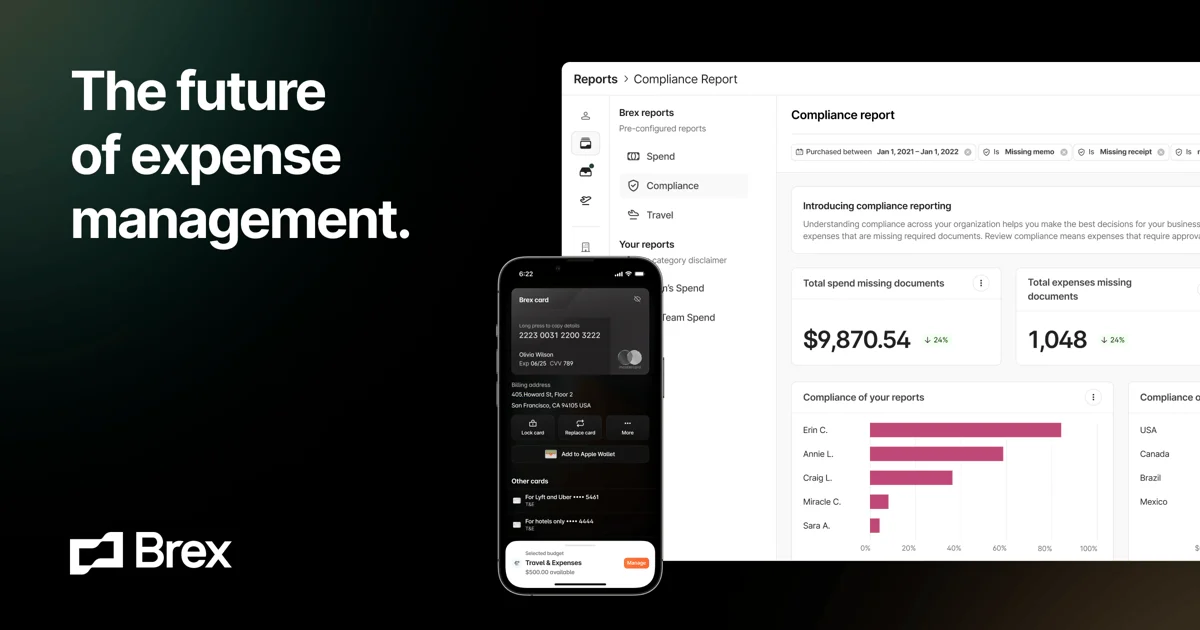
Brex combines business cards and spend management with expense workflows, bill pay, reimbursements, travel and business accounts. Finance teams can set controls, review transactions and connect accounting systems through the web platform.
Brex was founded in 2017. Capital One completed its acquisition on April 7, 2026. Its current public pricing lists free Essentials, paid Premium and custom-priced Enterprise plans. ([brex.com](https://www.brex.com/journal/brex-and-capital-one-join-forces?utm_source=openai))


| Deployment | Cloud-hosted SaaS |
|---|---|
| Web access | Modern, actively maintained browsers; Opera Mini excluded |
| Mobile app | iPhone app verified in Apple App Store |
| API | Available; includes spend limits, expenses, fields, payments, team and transactions |
| Accounting integrations | QuickBooks Online, NetSuite, Sage Intacct, Xero, Microsoft Dynamics 365 Business Central and others; plan restrictions may apply |
| QuickBooks Desktop | Manual export and upload; no direct sync |
| HRIS integrations | Multiple listed providers, including ADP Workforce Now, BambooHR, Gusto, Rippling and Workday |
| Free trial | No separate time-limited trial verified; Essentials is a free plan |
| Foreign exchange | Up to 3% markup on international card transactions requiring currency conversion |
| Overages | Premium and Enterprise overage prices follow contract terms |
| API access controls | Admins can create scoped API tokens; token creation and revocation trigger admin email notices |
Verified installation, hosting, administration, or environment details that can affect implementation.
| Installation or hosting | Cloud-hosted SaaS accessed through a web browser; no self-hosted deployment option was verified. Source ↗ |
|---|---|
| Mobile access | Brex provides an iPhone app for card, expense, reimbursement, payment and travel tasks. Source ↗ |
| API | The API supports spend limits, expenses, fields, payments, team administration and transactions. Account or card admins can create scoped tokens. Source ↗ |
Ramp is a comparable option for teams evaluating spend controls, cards, AP, travel and accounting automation. Its public pricing lists a free plan and a Plus plan priced per user plus a team-size-based platform fee. Ramp also lists procurement and vendor management features. ([ramp.com](https://ramp.com/pricing?5b3eb749_page=2&utm_source=openai))
BILL Spend & Expense may suit buyers who want to pair a no-subscription-fee spend product with BILL’s separately priced AP and AR products. SAP Concur is worth evaluating when expense and travel workflows need to work alongside an existing card program. Compare integrations, eligibility, implementation and full payment costs for the specific configuration. ([bill.com](https://www.bill.com/product/pricing?utm_source=openai))
Documented portability, standards, export, or switching considerations. No switching-cost score is shown unless the evidence supports one.
Brex supports direct synchronization with listed ERPs and Universal CSV export for systems without direct sync. QuickBooks Desktop data must be exported from Brex and uploaded manually.
Evidence source ↗A proprietary editorial score based on product capabilities, usability, value, performance, support and user sentiment evidence.
Brex offers cards, expense controls, bill pay, reimbursements, travel, accounting connections and APIs. The free Essentials tier and published Premium price support value assessment; G2 shows a 4.8 aggregate rating, but this research did not analyze a representative sample of individual reviews.
Methodology v1.0. The assessment weighs feature coverage (25%), ease of use (15%), value for money (20%), performance (15%), support (10%) and user sentiment (15%), using researched product evidence and verified review evidence where available. It is a TechZella editorial assessment, not a direct user-review average.
Key claims are linked to the sources used to verify them. This evidence record is separate from third-party user ratings.
TechZella evaluates software using documented product capabilities, pricing information, usability and value considerations, independent user evidence where available, and competitive context. The assessment is an editorial review, not a hands-on test unless one is explicitly identified. Our editorial assessment is based on 7 documented sources.
The current pricing page lists Essentials at $0 per user per month and Premium at $12 per user per month, with Enterprise custom priced.
View source ↗Verified 2026-10-18Brex's API help page describes these API areas and example workflows.
View source ↗Verified 2026-10-18Brex's ERP integration article says users can export from Brex and manually upload to QuickBooks Desktop.
View source ↗Verified 2026-10-18Brex's January 2026 company announcement states that the company started in 2017.
View source ↗Verified 2026-10-18Brex's announcement reports that Capital One completed the acquisition on that date.
View source ↗Verified 2026-10-18The Apple App Store listing describes these functions and identifies the app as iPhone-only.
View source ↗Verified 2026-10-18Brex's cost-of-services article states the maximum markup for converted international card transactions.
View source ↗Verified 2026-10-18Does Brex have a free plan? Yes. Essentials is listed at $0 per user per month. The public page does not establish a separate time-limited free trial. ([brex.com](https://www.brex.com/pricing?utm_source=openai))
Does Brex integrate with accounting software? Yes. Listed direct integrations include QuickBooks Online, NetSuite, Xero, Sage Intacct and other systems, subject to plan and add-on restrictions. QuickBooks Desktop requires manual export and upload. ([brex.com](https://www.brex.com/support/brex-erp-integrations?utm_source=openai))
Does Brex have an API? Yes. Its API includes spend limits, expenses, fields, payments, team and transaction data. ([brex.com](https://www.brex.com/support/brex-api?utm_source=openai))
Which mobile platform is verified? The Apple App Store lists an iPhone app. This research did not verify a native Android app. ([apps.apple.com](https://apps.apple.com/us/app/brex/id1472905508?utm_source=openai))
No reviews yet. Be the first to share your experience.
Please log in to submit a review.