
Clients must use Pi-hole as their DNS server for network-wide filtering to apply.
Router or client DNS settings may need adjustment, and DNS paths that bypass Pi-hole won't receive its filtering.
Evidence source ↗
Pi-hole is free, open-source DNS filtering software that blocks configured advertising and tracking domains across a network. It runs on supported Linux systems or in Docker.
Official documentation verifies DNS filtering, client and group controls, a web dashboard, CLI, REST API, and free self-hosted deployment. Installation and network configuration require technical setup. No reliable third-party review rating was verified.
This profile combines documented product information and independent evidence where available. It is not a hands-on test unless TechZella explicitly identifies one.
A quick way to understand who this product may suit, where its limits matter, and which facts are most relevant before you compare alternatives.
Home users and technically capable network administrators seeking self-hosted DNS filtering across devices on a local network.
Users who need browser-level content filtering, centrally hosted managed service, or dependable blocking of ads served from the same domain as desired content, and should evaluate alternatives such as AdGuard Home instead.
CLI, Docker, Linux, Self-hosted, Web
7.7/10
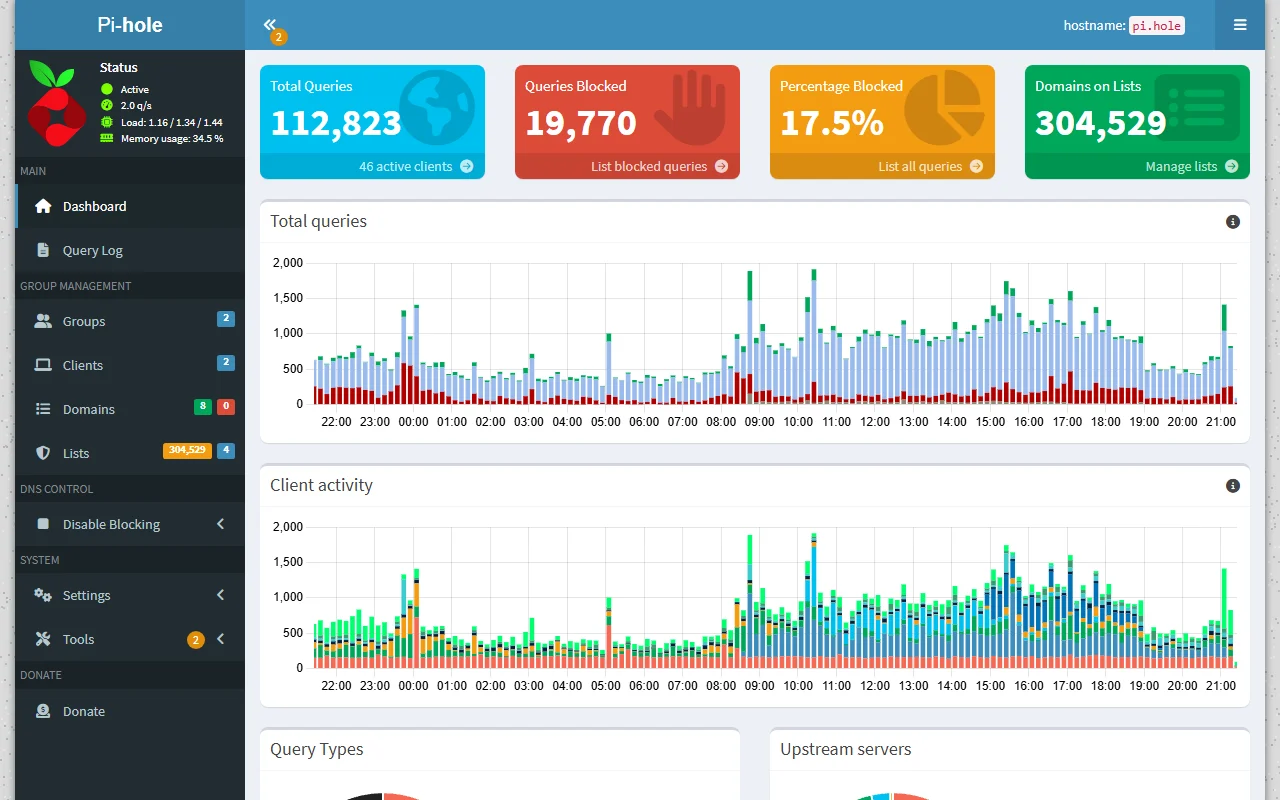
Pi-hole is self-hosted DNS filtering software for networks. Devices that use it for DNS can have requests to listed domains blocked without installing Pi-hole software on each device.
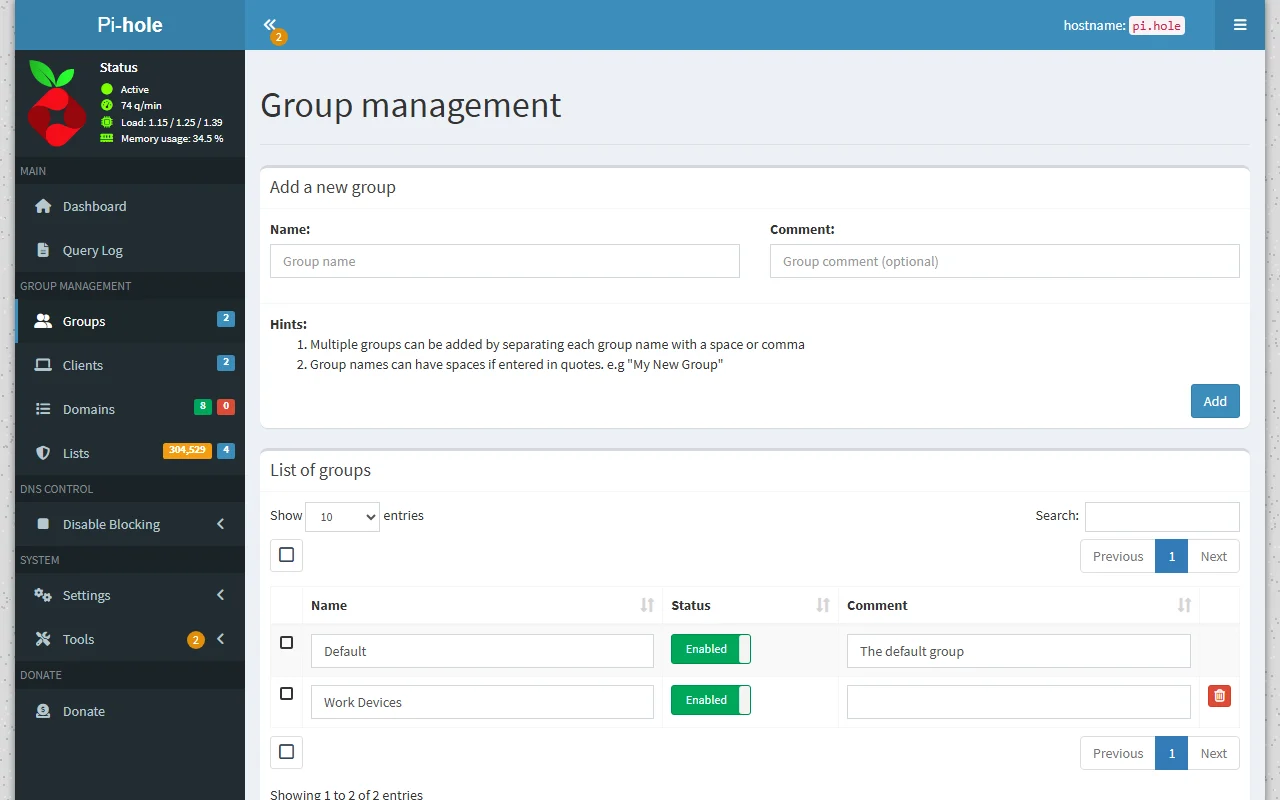
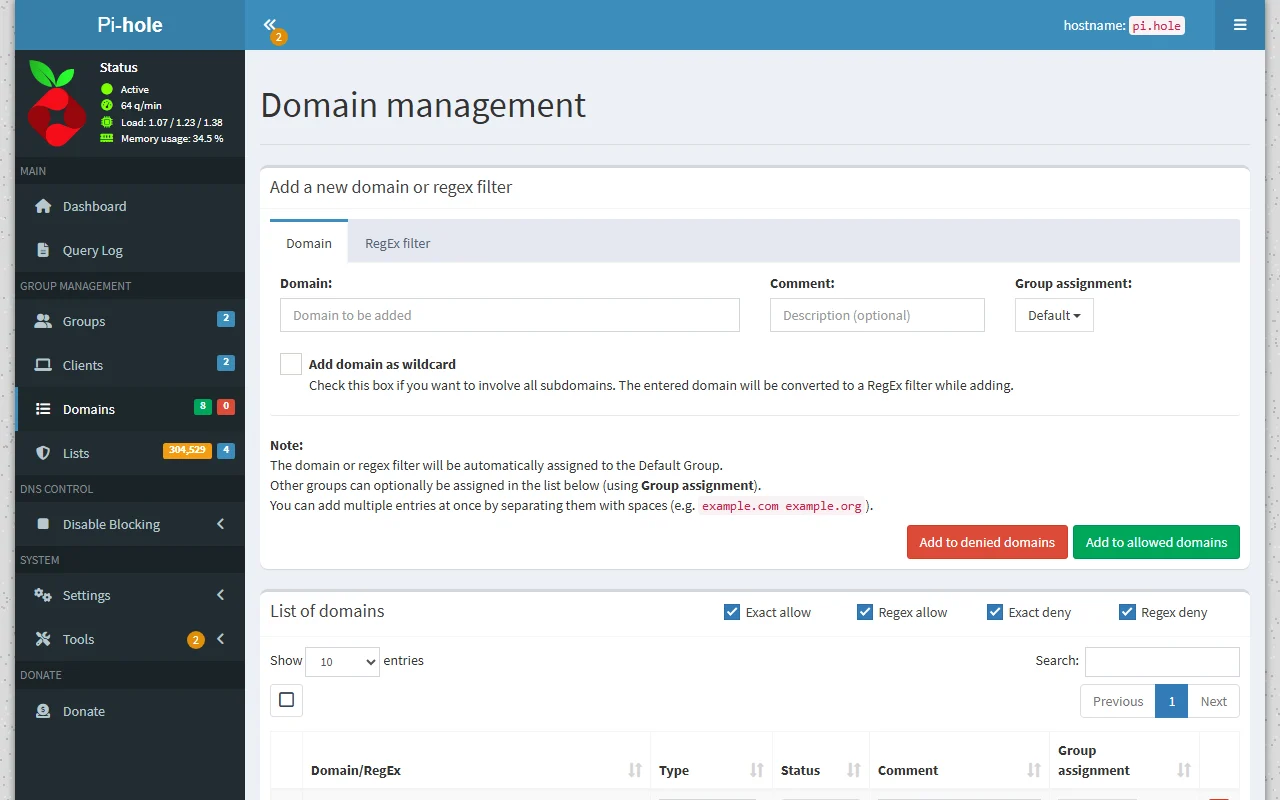
It includes a web dashboard and command-line tools for configuration and administration. Operators can use allowlists, denylists, regular expressions, and groups to manage filtering.
Pi-hole filters domain lookups, not full web pages. It cannot reliably block advertising when ads and wanted content use the same domain.
These are the product-specific differences that may matter when deciding whether the software fits your workflow. They are based on documented evidence rather than a universal ranking.
These are documented constraints or practical friction points that may matter before you adopt the product.
Router or client DNS settings may need adjustment, and DNS paths that bypass Pi-hole won't receive its filtering.
Evidence source ↗Clients need a stable DNS server address to keep using the service.
Evidence source ↗Default container isolation can prevent the service from behaving as expected on a local network.
Evidence source ↗For security-sensitive software, TechZella focuses on documented architecture, authentication, data handling, deployment and privacy details that can affect a buying decision. This is product research, not an independent security audit.
| Deployment | Self-hosted on supported Linux distributions or Docker |
|---|
Security claims are presented only when supported by documented sources. The presence of this section does not constitute a penetration test, certification or independent security audit.
Free software. Voluntary donations support the project; hardware or hosting may have separate costs.
Check current pricing →Pricing may change. Verify current plans on the vendor's website.
Compare similar products directly, then see which alternatives may make more sense when your requirements differ.
These products address broadly similar requirements. The descriptions focus on documented reasons a buyer might compare them with Pi-hole.


| Pricing | Free; voluntary donations accepted |
|---|---|
| Free trial | Not applicable; software is free |
| Deployment | Self-hosted on supported Linux distributions or Docker |
| API | REST API; most endpoints require authentication |
| Integrations | Network DNS configuration, upstream DNS providers, and API access for scripts and home-automation tools |
| Minimum hardware | 512 MB RAM and 2 GB free storage listed in prerequisites |
| Network requirement | Static IP address or DHCP reservation |
| Supported operating systems | Alpine, Armbian OS, Debian, CentOS Stream, Fedora, Raspberry Pi OS, and Ubuntu; actively maintained versions |
Verified installation, hosting, administration, or environment details that can affect implementation.
| Hosting | Self-host on supported Linux distributions or deploy using Docker. Source ↗ |
|---|---|
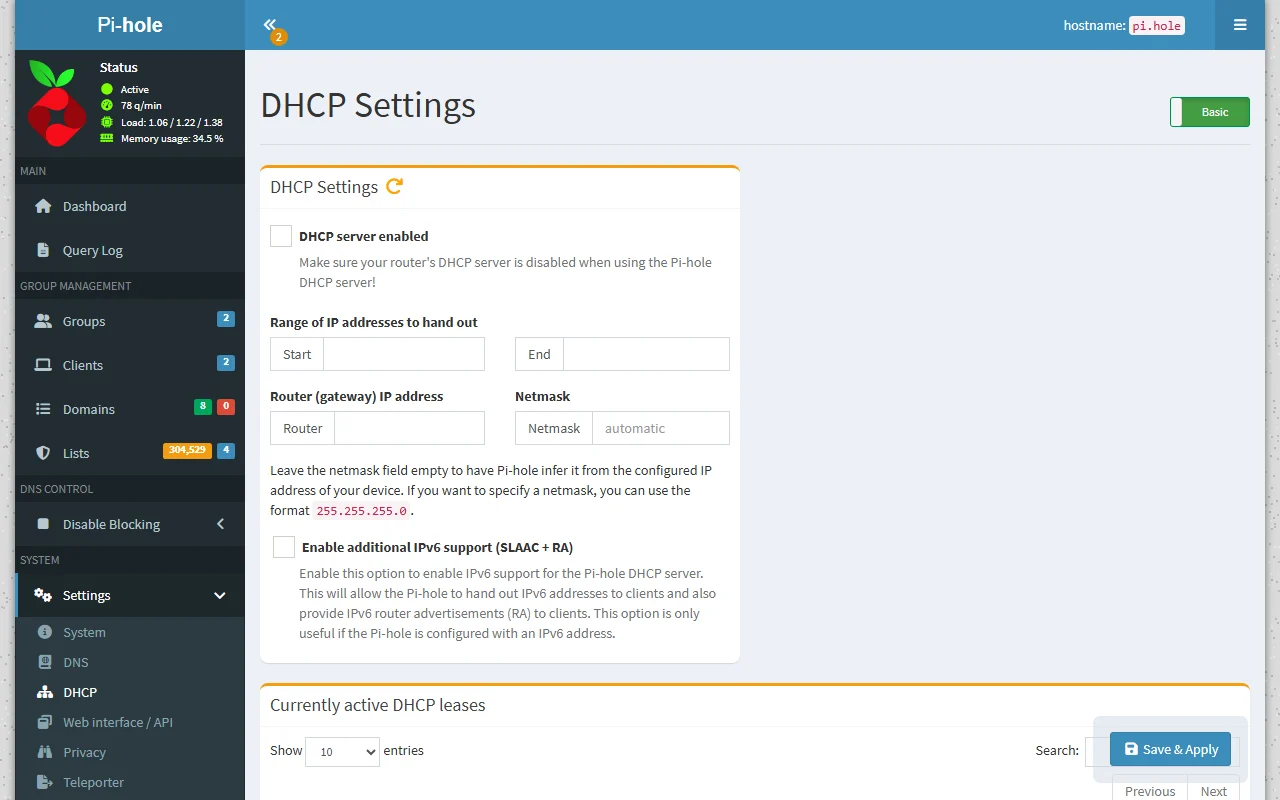
| Network configuration | Assign a static IP or DHCP reservation, then configure clients or the router to use Pi-hole for DNS. Source ↗ |
A proprietary editorial score based on product capabilities, usability, value, performance, support and user sentiment evidence.
Official documentation verifies DNS filtering, client and group controls, a web dashboard, CLI, REST API, and free self-hosted deployment. Installation and network configuration require technical setup. No reliable third-party review rating was verified.
Methodology v1.0. The assessment weighs feature coverage (25%), ease of use (15%), value for money (20%), performance (15%), support (10%) and user sentiment (15%), using researched product evidence and verified review evidence where available. It is a TechZella editorial assessment, not a direct user-review average.
Key claims are linked to the sources used to verify them. This evidence record is separate from third-party user ratings.
TechZella evaluates software using documented product capabilities, pricing information, usability and value considerations, independent user evidence where available, and competitive context. The assessment is an editorial review, not a hands-on test unless one is explicitly identified. Our editorial assessment is based on 4 documented sources.
The project describes Pi-hole as a DNS sinkhole and explains that network clients use it as their DNS server.
View source ↗Verified 2026-10-05The project states that Pi-hole is free and open source and invites voluntary support.
View source ↗Verified 2026-10-05The prerequisites documentation lists supported operating systems and says only actively maintained versions are supported.
View source ↗Verified 2026-10-05The API documentation identifies the API as REST-based and recommends the documentation served by the local installation.
View source ↗Verified 2026-10-05The group management documentation describes assigning clients and allow, deny, and regex rules to groups.
View source ↗Verified 2026-10-05The prerequisites page specifies a static IP or DHCP reservation and documents DNS service on port 53.
View source ↗Verified 2026-10-05No reviews yet. Be the first to share your experience.
Please log in to submit a review.
Is Pi-hole free? Yes. The project describes the software as free and open source and accepts voluntary donations.
Is there a free trial? No trial period is listed because the software is free to use.
Which platforms does Pi-hole support? It supports specified Linux distributions and Docker deployments. Its web interface and CLI are administration methods, not separate native desktop or mobile apps.
Does Pi-hole have an API? Yes. It has a REST API, with interactive documentation served by each installation. Most API endpoints require authentication.
Can Pi-hole block every ad? No. It filters DNS domains rather than page content or full URLs, so ads served from the same domain as content cannot reliably be separated.
What integrations are documented? Pi-hole can be configured as the DNS server for network clients and supports upstream DNS providers. Its API can be used by scripts and home-automation tools.