
AdLock's Android traffic filtering uses a local VPN and cannot coexist with another VPN app.
Users who rely on a commercial VPN may need to choose between the VPN connection and AdLock filtering or confirm another supported setup.
Evidence source ↗
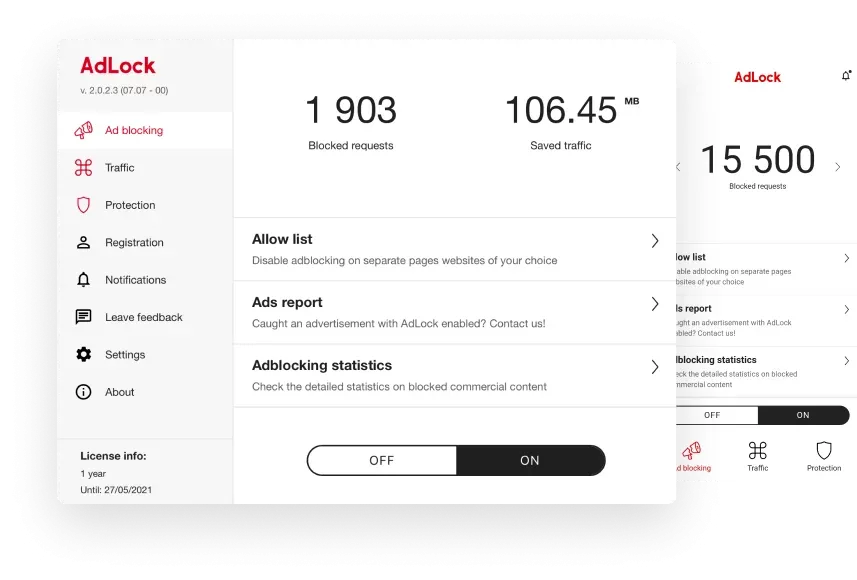
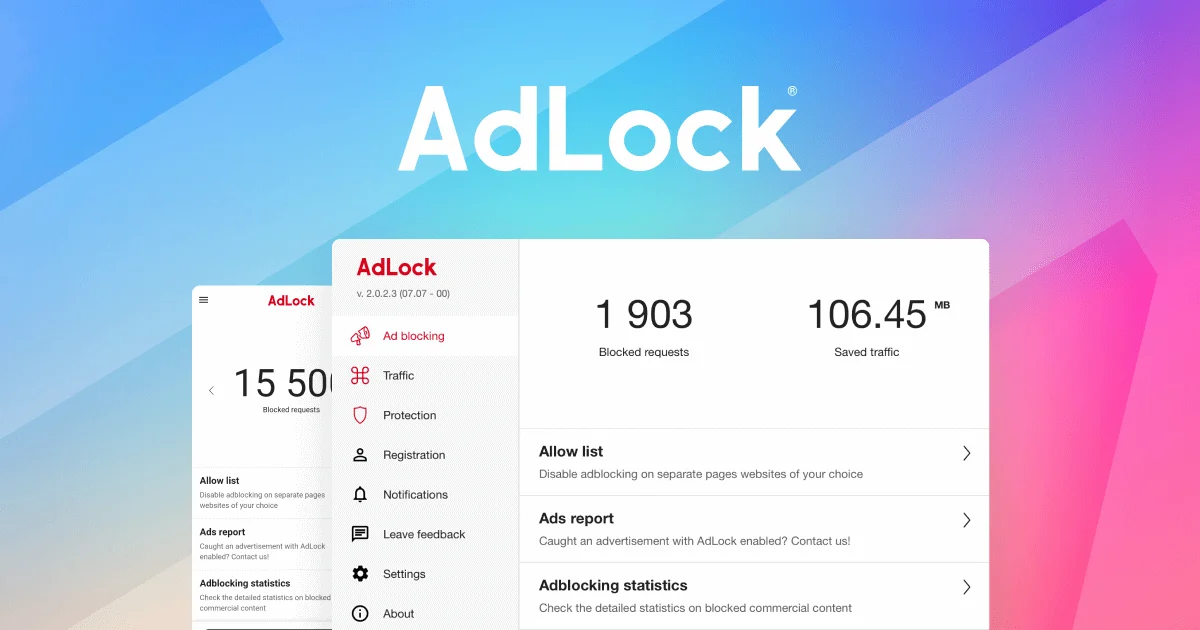
AdLock blocks ads and trackers across browsers and applications, with standalone apps for major desktop and mobile platforms. It also offers browser extensions and web filtering for businesses.
Official materials document cross-platform ad and tracker blocking, filtering, and threat warnings. Public Trustpilot feedback is limited and includes complaints about blocking reliability, compatibility, billing, and support, so performance and support assessments remain uncertain.
This profile combines documented product information and independent evidence where available. It is not a hands-on test unless TechZella explicitly identifies one.
AdLock is privacy and web-filtering software from Hankuper, s. r. o., a company whose privacy policy lists its address in Bratislava, Slovakia. Consumer products include standalone applications for Windows, macOS, Android, and Apple mobile devices, plus browser extensions.
The company describes filtering ads, trackers, and unsafe web resources. Its business product is presented as endpoint web protection with centralized management. Public materials do not document a public API or named third-party software integrations.
A quick way to understand who this product may suit, where its limits matter, and which facts are most relevant before you compare alternatives.
Individuals seeking ad and tracker filtering across desktop and mobile apps, or organizations evaluating endpoint-based web filtering for employees.
Android users who need AdLock and another VPN simultaneously, or buyers requiring a documented public API or published business pricing, and should evaluate alternatives such as AdGuard instead.
Android, iOS, iPadOS, macOS, Windows
6.3/10
These are the product-specific differences that may matter when deciding whether the software fits your workflow. They are based on documented evidence rather than a universal ranking.
These are documented constraints or practical friction points that may matter before you adopt the product.
Users who rely on a commercial VPN may need to choose between the VPN connection and AdLock filtering or confirm another supported setup.
Evidence source ↗Installation requires downloading and installing the app outside the Play Store's usual app-install workflow.
Evidence source ↗Users should check for overlapping blockers before diagnosing network or browsing issues.
Evidence source ↗For security-sensitive software, TechZella focuses on documented architecture, authentication, data handling, deployment and privacy details that can affect a buying decision. This is product research, not an independent security audit.
| Data collection disclosure | Privacy policy lists platform-specific technical and device data collection |
|---|
The policy lists platform-specific technical information, including IP addresses, device identifiers, and crash reports.
Source ↗Security claims are presented only when supported by documented sources. The presence of this section does not constitute a penetration test, certification or independent security audit.
Five-device consumer plan. The purchase page states a 30-day money-back guarantee.
Check current pricing →Billed yearly for five devices. The purchase page states a 30-day money-back guarantee.
Check current pricing →Five-device consumer plan. The listed amount is $12.99 per year, billed every five years; confirm the checkout total and terms before purchase.
Check current pricing →AdLock offers a free Chrome extension. It is browser-tied and does not provide the standalone app's systemwide operation.
Check current pricing →Contact sales for pricing. AdLock offers a 14-day business trial with full functionality and no credit card required.
Check current pricing →Pricing may change. Verify current plans on the vendor's website.
| Vendor | Hankuper, s. r. o. |
|---|---|
| Headquarters | Špitálska 53, 811 01 Bratislava, Slovakia |
| Consumer device limit | 5 devices per plan |
| Free trial | 14 days for standalone applications; business trial also listed as 14 days |
| API | No public API documentation found |
| Integrations | No named third-party software integrations found in reviewed public materials |
| Android installation | APK download from AdLock website; not available through Google Play, according to AdLock |
| Android filtering | Local VPN; does not require root; cannot run simultaneously with another VPN app |
| Data collection disclosure | Privacy policy lists platform-specific technical and device data collection |
| Support | AdLock states that customer support is available 24/7 |
Verified installation, hosting, administration, or environment details that can affect implementation.
| Installation or hosting | Consumer versions are installed as standalone apps on supported devices. Android filtering uses an on-device local VPN; Windows and Mac downloads are provided by AdLock. Source ↗ |
|---|---|
| Business deployment | AdLock describes local endpoint operation, centralized control, reporting, and scalable deployment for business customers. Business pricing is not listed on the public page. Source ↗ |
AdGuard is a comparable filtering product. Its Windows documentation describes filtering ads in websites and installed apps, along with filter management and a request log. It may suit users who specifically need those documented Windows controls.
Brave Shields is built into the Brave browser and blocks ads and trackers while browsing. It may suit people who want browser-level protections without installing a separate ad-blocking app. Unlike AdLock’s standalone apps, this is a browser-centered approach.
A proprietary editorial score based on product capabilities, usability, value, performance, support and user sentiment evidence.
Official materials document cross-platform ad and tracker blocking, filtering, and threat warnings. Public Trustpilot feedback is limited and includes complaints about blocking reliability, compatibility, billing, and support, so performance and support assessments remain uncertain.
Methodology v1.0. The assessment weighs feature coverage (25%), ease of use (15%), value for money (20%), performance (15%), support (10%) and user sentiment (15%), using researched product evidence and verified review evidence where available. It is a TechZella editorial assessment, not a direct user-review average.
Key claims are linked to the sources used to verify them. This evidence record is separate from third-party user ratings.
TechZella evaluates software using documented product capabilities, pricing information, usability and value considerations, independent user evidence where available, and competitive context. The assessment is an editorial review, not a hands-on test unless one is explicitly identified. Our editorial assessment is based on 3 documented sources.
The purchase page specifies five devices per plan and lists Windows, macOS, Android, and iOS.
View source ↗Verified 2026-10-05The official purchase page lists all three durations, prices, and a 30-day money-back guarantee.
View source ↗Verified 2026-10-05The official FAQ states that users can try AdLock for 14 days; the Windows product page also describes a 14-day trial.
View source ↗Verified 2026-10-05The FAQ explains local VPN traffic filtering, while the Android product page says the app works without root access.
View source ↗Verified 2026-10-05AdLock's FAQ identifies simultaneous use of another VPN application as a local VPN limitation.
View source ↗Verified 2026-10-05The privacy policy identifies Hankuper, s. r. o. as the data controller and gives its Bratislava address.
View source ↗Verified 2026-10-05The policy lists platform-specific technical information, including IP addresses, device identifiers, and crash reports.
View source ↗Verified 2026-10-05Answers begin with the clearest available response, followed by the context that helps you act on it.
No reviews yet. Be the first to share your experience.
Please log in to submit a review.