Editorial overview
Aggregated Overview
Official pages describe a broad set of writing, research, chat, image, video, slides, browser-extension, and desktop functions. Current paid workspace prices are not displayed in the retrieved pricing page, and Trustpilot sentiment is polarized, so value and user sentiment are assessed cautiously.
This profile combines documented product information and independent evidence where available. It is not a hands-on test unless TechZella explicitly identifies one.
Overview
HIX AI is a web-based AI workspace from INNOVATE AI PTE. LTD. Its tools cover writing, multi-model chat, deep research, images, video, and slide creation.
The product also offers a browser extension for workflows that include Gmail, Google Docs, and social platforms, plus desktop applications for Windows and macOS. The range may suit users who prefer one workspace for varied content tasks. The official pricing page lists 20 credits on its free tier but does not show numeric prices for its yearly Max and Pro plans.
HIX AI Decision Snapshot
A quick way to understand who this product may suit, where its limits matter, and which facts are most relevant before you compare alternatives.
Best suited toIndividuals and small teams seeking writing, research, image, video, and slide-generation tools in one workspace, especially users working in Gmail, Google Docs, or social platforms.
Look elsewhere ifBuyers who require published API access, transparent paid-workspace prices, or a narrowly specialized writing product with clearly itemized usage costs should compare alternatives and verify plan terms before subscribing, and should evaluate alternatives such as Jasper or Notion AI instead.
PlatformsChrome extension, macOS, Microsoft Edge extension, Web, Windows
TechZella assessment6.8/10
HIX AI — What Sets It Apart?
These are the product-specific differences that may matter when deciding whether the software fits your workflow. They are based on documented evidence rather than a universal ranking.
- Combines writing, multi-model chat, deep research, image and video creation, and AI slides in one workspace.
- Offers browser-extension support for workflows including Gmail, Google Docs, and social platforms, plus a Windows and macOS desktop app.
- The official workspace pricing page currently shows a free tier with 20 credits, while its yearly Max and Pro prices are displayed as dashes.
Editorial assessmentHIX AI Pros & Cons
Pros
- Combines writing, research, chat, images, video, and slide creation in one workspace.
- Browser extension supports writing tasks in Gmail and Google Docs.
- Desktop applications are offered for Windows and macOS.
- Free main-workspace tier is listed with 20 credits.
Cons
- The official main-workspace pricing page does not show numeric Max or Pro prices in the retrieved content.
- Credit allowances and model access require plan-level review before estimating usage costs.
- A public API was not identified in the reviewed official material; an independent review also reported none.
- Trustpilot displayed a low and polarized rating, so buyers should review current feedback and terms.
HIX AI Gotchas & Operational Limits
These are documented constraints or practical friction points that may matter before you adopt the product.
The main workspace pricing page displays yearly Max and Pro prices as dashes rather than numeric prices.
Buyers cannot compare the current paid tiers by displayed price alone and should confirm the checkout price, billing period, and credit allowances before purchase.
Evidence source ↗The free workspace tier includes 20 credits, while the paid plans use feature and model access limits.
Generation-heavy workflows may consume the free allowance quickly; check which actions draw credits before estimating ongoing use.
Evidence source ↗The public product API was not listed in the official pages reviewed; a TechRadar review also reported no public API.
Teams needing programmatic access or integration into custom applications should confirm API availability directly before selecting HIX AI.
Evidence source ↗HIX AI Pricing & Plans
Free
$0
month
Main workspace plan with 20 credits.
Check current pricing →Max
year
Yearly-billed workspace plan; the official pricing page displayed no numeric price in the retrieved content.
Check current pricing →Pro
year
Yearly-billed workspace plan; the official pricing page displayed no numeric price in the retrieved content.
Check current pricing →Browser Extension Basic
year
Separate extension tier; a free plan is advertised, but the retrieved price text does not reliably establish the paid amount.
Check current pricing →Browser Extension Pro
year
Separate extension tier with a stated monthly word allowance on the pricing page; verify current price at checkout.
Check current pricing →Browser Extension Unlimited
year
Separate extension tier with unlimited GPT-3.5 words listed for supported extension features; verify current price at checkout.
Check current pricing →Pricing may change. Verify current plans on the vendor's website.
Cost contextTotal Cost & Hidden Costs
Additional costs or implementation requirements that are documented in the available evidence.
Paid workspace subscription
The official pricing page lists Free at $0 per month with 20 credits, but shows dashes for yearly Max and Pro prices. Confirm current checkout pricing and included usage before budgeting.
Evidence source ↗Browser-extension subscription
The extension has a separate pricing page with Basic, Pro, and Unlimited tiers, but the retrieved page text displays $0.00 values for paid yearly tiers. Verify the current checkout amount and word allowances.
Evidence source ↗HIX AI Competitors & Alternatives
Compare similar products directly, then see which alternatives may make more sense when your requirements differ.
Direct competitors
These products address broadly similar requirements. The descriptions focus on documented reasons a buyer might compare them with HIX AI.
CapabilitiesHIX AI Features
AI Workspace
- Automated agentic workflows
- Multi-agent coordination
- Reusable AI skills
- Multi-model chat
- Multimodal input and output
Research and Documents
- Deep research agent
- Real-time internet access
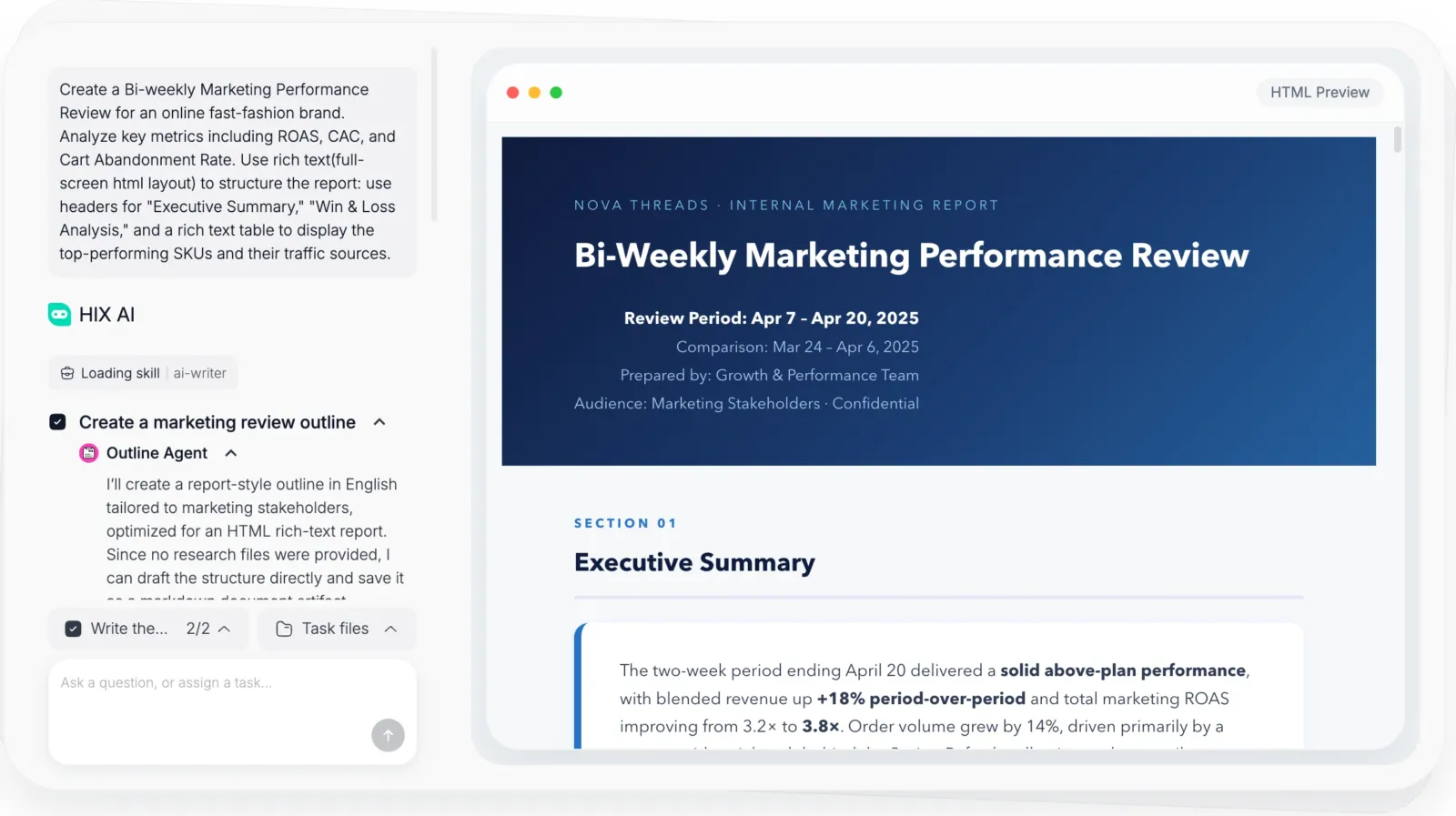
- Structured research reports
- PDF and webpage conversations
- Document summarization
Content and Productivity
- AI writing agent
- Long-form article writing
- AI writing tools
- SEO content creation
- Translation
- Email drafting
Visual Creation
- AI image generation
- Prompt-based image editing
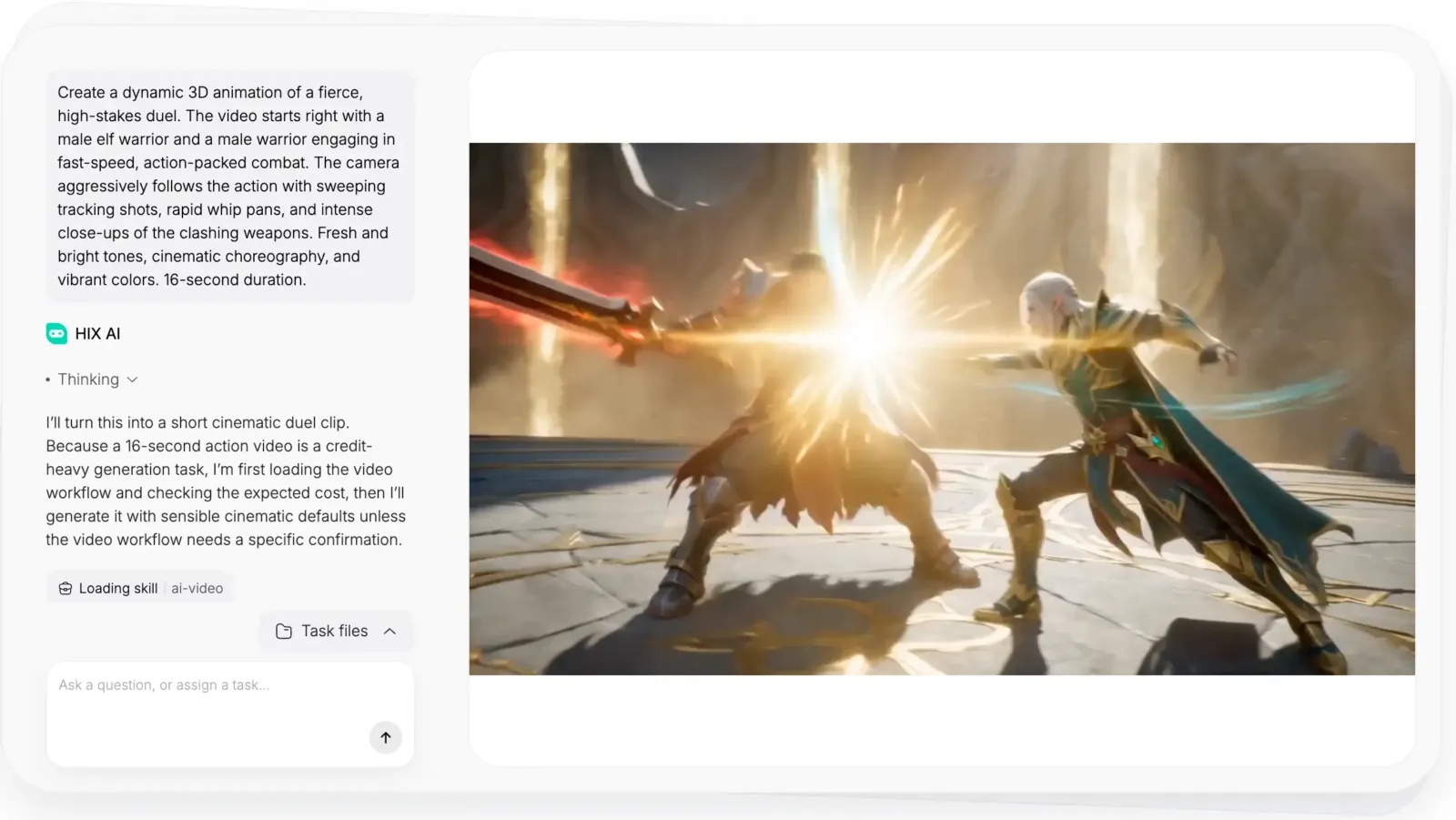
- AI video generation
- Automated video workflow
- AI presentation generation
Browser and Desktop Access
- Chrome and Edge browser extensions
- Gmail and Google Docs assistance
- Social platform writing assistance
- Windows desktop app
- macOS desktop app
HIX AI Specifications
| Deployment | Web workspace, browser extension, Windows desktop app, macOS desktop app |
|---|
| Browser extension availability | Chrome and Microsoft Edge installation links are listed |
|---|
| Verified integrations | Gmail, Google Docs, and social platforms through the browser extension |
|---|
| Main workspace free allowance | 20 credits |
|---|
| Paid workspace prices | Max and Pro shown as yearly-billed, with no numeric price displayed in retrieved official pricing page |
|---|
| Public API | Not identified in official pages reviewed; TechRadar reported no public API in July 2026 |
|---|
Our evidence-based assessmentTechZella Score
A proprietary editorial score based on product capabilities, usability, value, performance, support and user sentiment evidence.
6.8/10Moderate confidence
Official pages describe a broad set of writing, research, chat, image, video, slides, browser-extension, and desktop functions. Current paid workspace prices are not displayed in the retrieved pricing page, and Trustpilot sentiment is polarized, so value and user sentiment are assessed cautiously.
Methodology v1.0. The assessment weighs feature coverage (25%), ease of use (15%), value for money (20%), performance (15%), support (10%) and user sentiment (15%), using researched product evidence and verified review evidence where available. It is a TechZella editorial assessment, not a direct user-review average.
Editorial transparency
Our Review Methodology
Key claims are linked to the sources used to verify them. This evidence record is separate from third-party user ratings.
TechZella evaluates software using documented product capabilities, pricing information, usability and value considerations, independent user evidence where available, and competitive context. The assessment is an editorial review, not a hands-on test unless one is explicitly identified. Our editorial assessment is based on 6 documented sources.
What TechZella adds- Combines writing, multi-model chat, deep research, image and video creation, and AI slides in one workspace.
- Offers browser-extension support for workflows including Gmail, Google Docs, and social platforms, plus a Windows and macOS desktop app.
- The official workspace pricing page currently shows a free tier with 20 credits, while its yearly Max and Pro prices are displayed as dashes.
Important limitations- The official workspace pricing page does not display numeric prices for its yearly Max and Pro plans in the page content accessed.
- A July 2026 TechRadar review reported no public API for developers and noted that separate usage-credit categories can make consumption harder to interpret.
- Trustpilot showed a 2.9 score from 193 reviews, with a polarized rating distribution and recent billing and refund complaints among visible reviews.
Evidence-backed claimsHIX AI is presented as an AI agent workspace combining multiple content and productivity functions.The official product overview lists AI slides, video, image, writing, deep research, chat, homework assistance, browser extension, and desktop app.
View source ↗Verified 2026-10-12The main workspace free tier includes 20 credits per month.The official pricing page shows HIX AI Free at $0 USD per month and 20 credits.
View source ↗Verified 2026-10-12The main workspace pricing page does not provide numeric Max or Pro prices in its visible text.The pricing table shows a dash for both HIX AI Max and HIX AI Pro and identifies yearly billing.
View source ↗Verified 2026-10-12The browser extension supports workflows in Gmail and Google Docs and offers Chrome and Edge installation links.The Gmail extension page describes in-interface email drafting, replies, and summaries, and provides Chrome and Edge installation options.
View source ↗Verified 2026-10-12The desktop application is offered for Windows and macOS.The official desktop page lists Windows and macOS compatibility and downloadable installation.
View source ↗Verified 2026-10-12INNOVATE AI PTE. LTD. is the company associated with HIX.AI, with a Singapore address.The official About page identifies the company and lists its address at 121 Kaki Bukit Avenue 1, #02-00, Shun Li Industrial Park, Singapore 415995.
View source ↗Verified 2026-10-12Trustpilot displayed a 2.9 rating from 193 reviews at the time accessed.The public HIX.AI Trustpilot profile showed a 2.9 score and 193 reviews.
View source ↗Verified 2026-10-12A TechRadar review reported that HIX AI had no public API and described its usage credits as divided across standard and advanced categories.The July 10, 2026 review states there was no public API and discusses separate standard and advanced credit pools.
View source ↗Verified 2026-10-12 Independent review sources
HIX AI Ratings & Reviews
Ratings are published by the respective review platforms and may change over time.
Common questionsHIX AI FAQs
Answers begin with the clearest available response, followed by the context that helps you act on it.
Does HIX AI have a free plan?
Yes. The official main-workspace pricing page lists a Free plan at $0 per month with 20 credits.
Does HIX AI offer a free trial?
Yes. The free workspace tier provides a way to try the service without a paid plan. The official pricing page includes a free-trial FAQ, but the retrieved text does not state trial duration or detailed terms.
What platforms does HIX AI support?
Verified options include its web workspace, Chrome and Edge browser extensions, and desktop apps for Windows and macOS.
Does HIX AI integrate with Gmail and Google Docs?
Its browser-extension pages describe support for Gmail and Google Docs, along with several social platforms.
Does HIX AI provide a public API?
No public API was identified in the official pages reviewed. A July 2026 TechRadar review also reported that no public API was available. Confirm with the vendor if API access is a requirement.
Community feedback
Reviews
No reviews yet. Be the first to share your experience.
Write a Review
Please log in to submit a review.
What Has Changed
This history records material data changes detected when TechZella re-researched the profile.
2026-10-12Research update changed: Pricing, Features, Specifications, Alternatives, Competitors, Trusted ratings, Description.
Recently added AI Writing Assistant