
Basic group meetings end after 40 minutes.
Recurring or longer discussions may need a paid host account or a restart after the limit.
Evidence source ↗
Zoom Workplace combines video meetings with chat, AI meeting tools, and collaboration features for desktop and mobile teams.
Zoom documents broad meeting, collaboration, integration, and developer capabilities, with a free tier and published paid-plan prices. G2's aggregate score is positive; sampled reviews also flag the free meeting limit and interface complexity.
This profile combines documented product information and independent evidence where available. It is not a hands-on test unless TechZella explicitly identifies one.
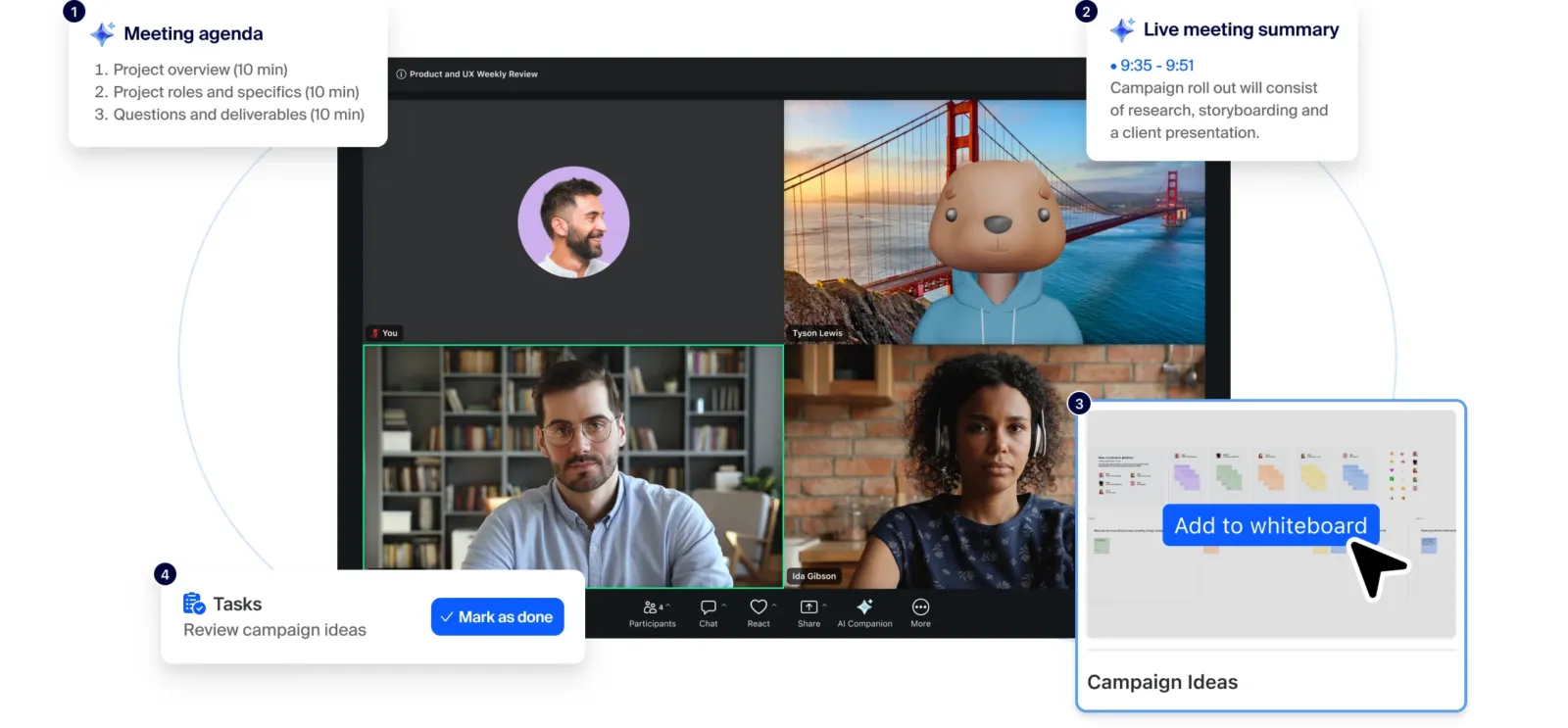
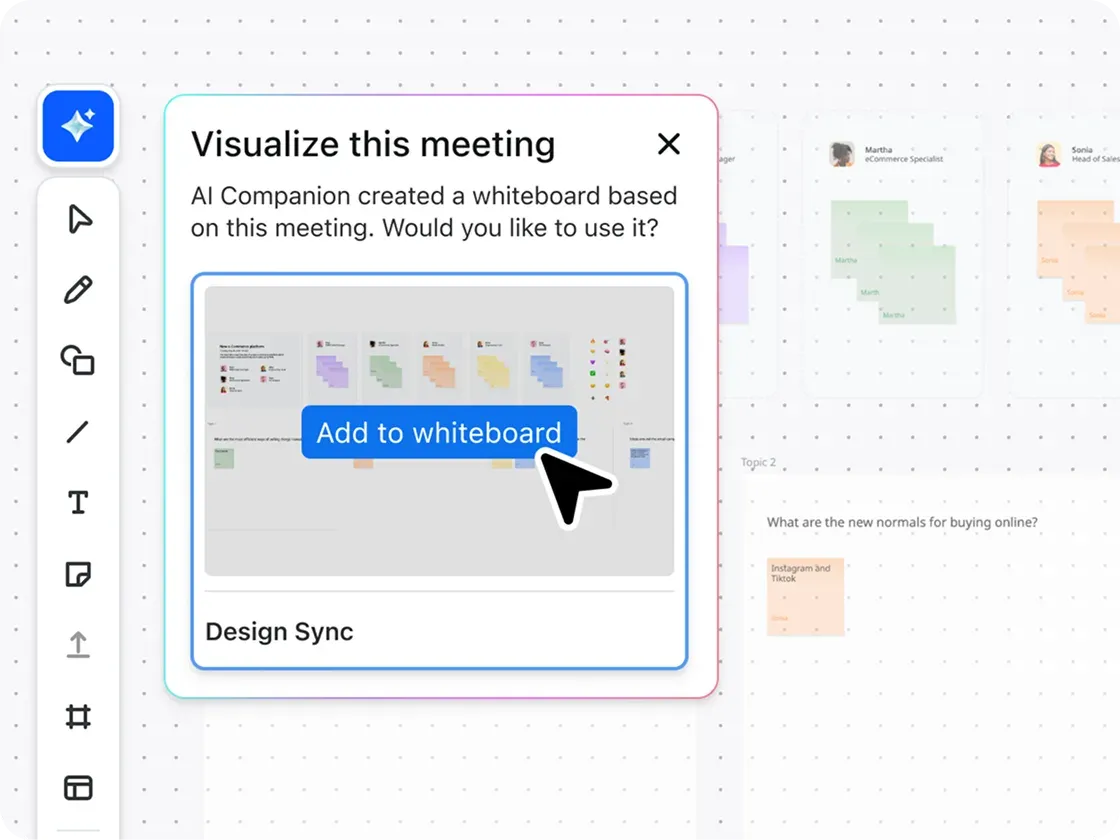
Zoom Workplace combines video meetings with services such as Team Chat, Whiteboard, Clips, and AI-assisted meeting features. Zoom also sells related products, including Phone, Webinars, Rooms, and Events.
The Basic plan is free, but group meetings have a 40-minute limit. Paid plans increase meeting duration and capacity, and add features such as cloud storage and expanded collaboration tools. Zoom’s current US pricing lists Pro from $14.16 per user monthly with annual billing.
A quick way to understand who this product may suit, where its limits matter, and which facts are most relevant before you compare alternatives.
Teams that need video meetings across desktop and mobile, with optional chat, shared collaboration tools, and meeting summaries in one service.
Groups that need long group meetings without paying, since Basic limits meetings to 40 minutes, or buyers needing extensive collaboration features in a simpler interface, and should evaluate alternatives such as Microsoft Teams or Google Meet instead.
Android, iOS, Linux, macOS, Windows
8.4/10
These are the product-specific differences that may matter when deciding whether the software fits your workflow. They are based on documented evidence rather than a universal ranking.
These are documented constraints or practical friction points that may matter before you adopt the product.
Recurring or longer discussions may need a paid host account or a restart after the limit.
Evidence source ↗Buyers should verify plan eligibility, admin configuration, supported region, and AI-credit needs before designing workflows around it.
Evidence source ↗Developers should account for review and token setup before promising cross-account meeting access.
Evidence source ↗Free plan with meetings limited to 40 minutes and 100 participants, plus capped collaboration and AI features.
Check current pricing →Per-user price. Meetings can run up to 30 hours; includes 10 GB cloud storage per user and expanded AI and collaboration features.
Check current pricing →Per-user price. Meetings can run up to 30 hours; includes 10 GB cloud storage per user and expanded AI and collaboration features.
Check current pricing →Per-user price for 1–250 users. Includes meetings with up to 300 participants.
Check current pricing →Per-user price for 1–250 users. Includes meetings with up to 300 participants.
Check current pricing →Quote-based plan. Zoom's pricing page lists meetings with up to 1,000 participants and additional enterprise features.
Check current pricing →Pricing may change. Verify current plans on the vendor's website.




| Deployment | Cloud-hosted service with desktop, mobile, and web app access |
|---|---|
| Desktop platforms | Windows, macOS, Linux |
| Mobile platforms | Android, iOS |
| API | REST API; OAuth 2.0 and server-to-server OAuth; Meeting SDK |
| Free plan meeting limit | 40 minutes and 100 participants per meeting |
| Pro meeting limit | Up to 30 hours; 100 participants per meeting |
| Business meeting limit | Up to 300 participants per meeting |
| Business user range | 1–250 users |
| Common integrations | Google, Microsoft, Slack, Salesforce, Jira, and Zoom App Marketplace apps; availability varies by feature and plan |
Verified installation, hosting, administration, or environment details that can affect implementation.
| Installation or hosting | Cloud service with desktop and mobile applications; a browser-based Web App is also documented. Source ↗ |
|---|---|
| Developer integration | REST API requests use OAuth 2.0 or server-to-server OAuth 2.0; Meeting SDKs are available for embedding meeting experiences. Source ↗ |
Microsoft Teams may suit organizations that want meetings closely connected to Teams chat and channels. Google Meet is another option for buyers whose meeting workflows center on Google Workspace. Review plan capabilities and participant limits against the specific collaboration tools your organization already uses.
A proprietary editorial score based on product capabilities, usability, value, performance, support and user sentiment evidence.
Zoom documents broad meeting, collaboration, integration, and developer capabilities, with a free tier and published paid-plan prices. G2's aggregate score is positive; sampled reviews also flag the free meeting limit and interface complexity.
Methodology v1.0. The assessment weighs feature coverage (25%), ease of use (15%), value for money (20%), performance (15%), support (10%) and user sentiment (15%), using researched product evidence and verified review evidence where available. It is a TechZella editorial assessment, not a direct user-review average.
Key claims are linked to the sources used to verify them. This evidence record is separate from third-party user ratings.
TechZella evaluates software using documented product capabilities, pricing information, usability and value considerations, independent user evidence where available, and competitive context. The assessment is an editorial review, not a hands-on test unless one is explicitly identified. Our editorial assessment is based on 4 documented sources.
Zoom's pricing page lists Basic as free and specifies those meeting limits.
View source ↗Verified 2026-10-12The current US pricing page displays both billing options.
View source ↗Verified 2026-10-12The Workplace plan comparison lists a 300-participant meeting limit for Business.
View source ↗Verified 2026-10-12Zoom's developer reference describes Meeting API access to meeting and webinar data and gives the API base URL.
View source ↗Verified 2026-10-12The company's SEC filing states its incorporation date and principal executive office address.
View source ↗Verified 2026-10-12The release notes describe ZoomMate's meeting follow-up, search, automation, and connected-app capabilities, and note a gradual rollout and AI-credit requirements for some capabilities.
View source ↗Verified 2026-10-12Answers begin with the clearest available response, followed by the context that helps you act on it.
No reviews yet. Be the first to share your experience.
Please log in to submit a review.
This history records material data changes detected when TechZella re-researched the profile.