Editorial overview
Aggregated Overview
Official materials document an editor, coding agent, model choices, integrations, and paid plans. G2 lists 32 reviews, but the evidence reviewed here is limited and does not establish hands-on performance or support quality.
This profile combines documented product information and independent evidence where available. It is not a hands-on test unless TechZella explicitly identifies one.
Overview
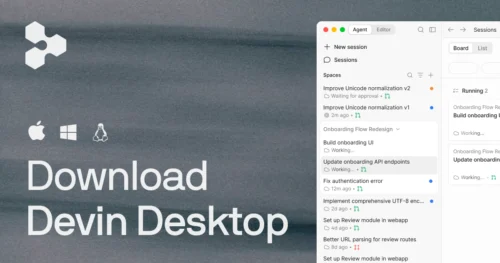
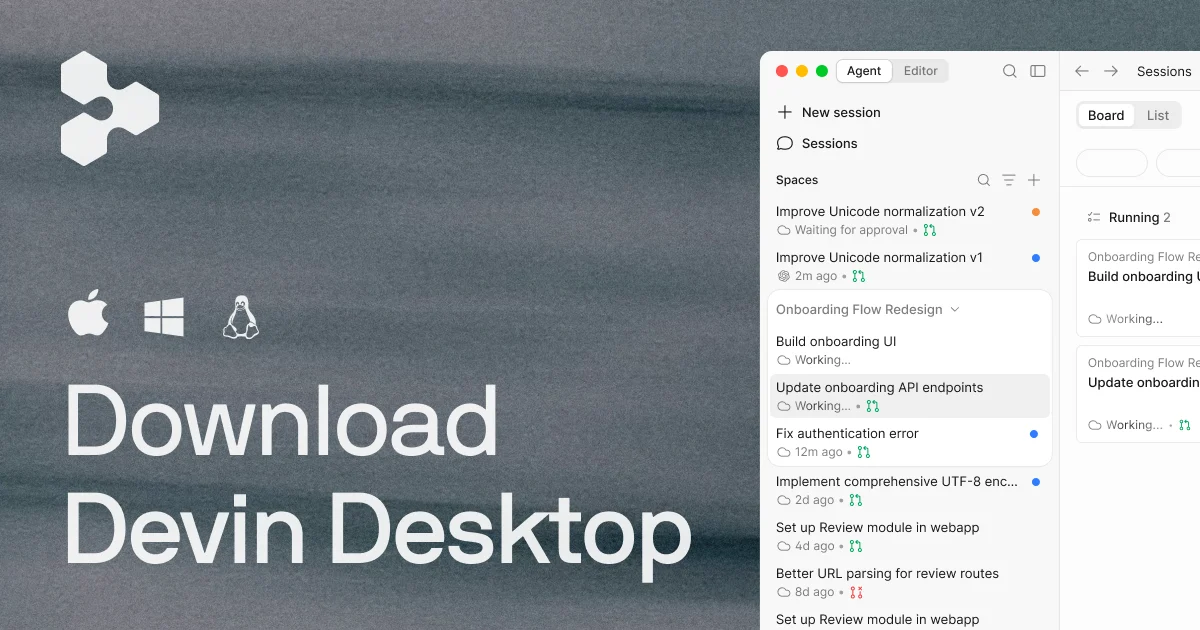
Windsurf is an AI coding environment that combines an editor with code completion and agent-assisted development. The official product page now calls Devin Desktop the new name for Windsurf and describes an agent command center alongside the IDE.
The product supports standalone desktop use and plugins for several existing development environments. It also connects to external tools through MCP servers. The Enterprise Analytics API is a separate, plan-restricted capability for querying team usage data.
Windsurf Decision Snapshot
A quick way to understand who this product may suit, where its limits matter, and which facts are most relevant before you compare alternatives.
Best suited toDevelopers who want AI code completion and agent-assisted work in a desktop editor, plus teams that need usage analytics or integrations with developer tools.
Look elsewhere ifBuyers seeking a general-purpose public developer API, a browser-only editor, or predictable usage independent of model allowances should verify their requirements before purchase, and should evaluate alternatives such as GitHub Copilot or Cursor instead.
PlatformsLinux, macOS, Visual Studio Code, Windows
TechZella assessment7.8/10
Windsurf — What Sets It Apart?
These are the product-specific differences that may matter when deciding whether the software fits your workflow. They are based on documented evidence rather than a universal ranking.
- Cascade provides an agent workflow alongside code completion in the editor.
- The official product page lists MCP integrations with tools including Slack, Linear, Notion, Figma, Sentry, Stripe, Vercel, and Datadog.
- An Enterprise-only Analytics API provides programmatic access to team usage data.
Editorial assessmentWindsurf Pros & Cons
Pros
- Combines an editor experience with an AI coding agent.
- Supports plugins across several widely used development environments.
- Lists MCP integrations for developer collaboration, design, monitoring, and business tools.
- Documents an Enterprise API for querying team usage analytics.
Cons
- Enterprise pricing is not displayed as a fixed public price.
- The documented Analytics API is restricted to Enterprise plans.
- The current official materials use both Windsurf and Devin Desktop names, which may complicate product identification.
Windsurf Gotchas & Operational Limits
These are documented constraints or practical friction points that may matter before you adopt the product.
The public product page identifies Devin Desktop as the new name for Windsurf.
Buyers evaluating existing Windsurf installs should confirm the current product name and migration details; the vendor says the update carries over plans, extensions, settings, and work.
Evidence source ↗The Enterprise Analytics API is available only on Enterprise plans, and its data refreshes every three hours.
Teams needing programmatic usage reporting should confirm plan eligibility and whether the refresh interval meets their reporting needs.
Evidence source ↗Windsurf Pricing & Plans
Pricing may change. Verify current plans on the vendor's website.
Cost contextTotal Cost & Hidden Costs
Additional costs or implementation requirements that are documented in the available evidence.
Subscription
The public page lists Free at $0, Pro at $20 monthly, Max at $200 monthly, Teams at $80 per month plus $40 per full seat monthly, and Enterprise without a listed public price.
Evidence source ↗Windsurf Competitors & Alternatives
Compare similar products directly, then see which alternatives may make more sense when your requirements differ.
Direct competitors
These products address broadly similar requirements. The descriptions focus on documented reasons a buyer might compare them with Windsurf.
CapabilitiesWindsurf Features
AI-assisted development
- AI code completion
- Cascade coding agent
- Codebase context
- Editor-based debugging tools
Integrations and extensibility
- MCP server integrations
- Plugins for Visual Studio Code and JetBrains
- Plugins for Vim/Neovim, Visual Studio, Jupyter Notebook, Chrome, and Eclipse
- Remote development plugin for supported JetBrains environments
Administration and analytics
- Enterprise Analytics API for team usage data
- Analytics data refreshes every three hours
- Custom shell hooks for workflow controls and validation
Windsurf Specifications
| Operating systems | Windows, macOS, Linux |
|---|
| Supported IDEs and environments | Visual Studio Code, JetBrains, Vim/Neovim, Visual Studio, Jupyter Notebook, Chrome, Eclipse |
|---|
| Integrations | MCP servers listed for Slack, Linear, Notion, Figma, Sentry, Stripe, Vercel, and Datadog |
|---|
| API | Enterprise Analytics API for usage analytics; no general public application API verified |
|---|
| Free trial | A $0 Free plan is listed; a separate time-limited trial was not verified |
|---|
| Enterprise deployment | Official plugin documentation refers to self-hosted Enterprise plans; verify current availability and scope with the vendor |
|---|
| Analytics refresh | Every three hours, according to API documentation |
|---|
Exit planningMigration & Lock-In
Documented portability, standards, export, or switching considerations. No switching-cost score is shown unless the evidence supports one.
Product-name transition
The official product page says Devin Desktop updates over the air and carries over plans, pricing, extensions, settings, and in-progress work from Windsurf.
Evidence source ↗Our evidence-based assessmentTechZella Score
A proprietary editorial score based on product capabilities, usability, value, performance, support and user sentiment evidence.
7.8/10Moderate confidence
Official materials document an editor, coding agent, model choices, integrations, and paid plans. G2 lists 32 reviews, but the evidence reviewed here is limited and does not establish hands-on performance or support quality.
Methodology v1.0. The assessment weighs feature coverage (25%), ease of use (15%), value for money (20%), performance (15%), support (10%) and user sentiment (15%), using researched product evidence and verified review evidence where available. It is a TechZella editorial assessment, not a direct user-review average.
Editorial transparency
Our Review Methodology
Key claims are linked to the sources used to verify them. This evidence record is separate from third-party user ratings.
TechZella evaluates software using documented product capabilities, pricing information, usability and value considerations, independent user evidence where available, and competitive context. The assessment is an editorial review, not a hands-on test unless one is explicitly identified. Our editorial assessment is based on 5 documented sources.
What TechZella adds- Cascade provides an agent workflow alongside code completion in the editor.
- The official product page lists MCP integrations with tools including Slack, Linear, Notion, Figma, Sentry, Stripe, Vercel, and Datadog.
- An Enterprise-only Analytics API provides programmatic access to team usage data.
Important limitations- The documented Analytics API is limited to Enterprise plans.
- The public site lists several paid tiers, while Enterprise pricing is not displayed as a fixed public price.
- Official materials describe the newer Devin Desktop name while Windsurf documentation and some product pages continue to use Windsurf branding.
Evidence-backed claimsThe official site identifies Devin Desktop as the new name for Windsurf.The product page describes the name change and states plans, pricing, extensions, settings, and in-progress work carry over in the update.
View source ↗Verified 2026-10-01The public pricing overview lists Free, Pro, Max, Teams, and Enterprise plans.The official product page displays Free at $0, Pro at $20 per month, Max at $200 per month, Teams at $80 per month plus $40 per full seat, and Enterprise.
View source ↗Verified 2026-10-01Windsurf provides plugins for multiple existing editors and development environments.Official setup documentation names Visual Studio Code, JetBrains, Vim/Neovim, Visual Studio, Jupyter Notebook, Chrome, and Eclipse.
View source ↗Verified 2026-10-01The Enterprise Analytics API provides team usage analytics and is Enterprise-only.Documentation describes API access to Autocomplete, Chat, Command, and Cascade usage data, states Enterprise-only availability, and gives a three-hour refresh interval.
View source ↗Verified 2026-10-01Cognition announced a definitive agreement to acquire Windsurf on July 14, 2025.Cognition's announcement identifies the agreement date and states that the acquisition includes Windsurf's product, intellectual property, trademark, brand, business, and team.
View source ↗Verified 2026-10-01G2 displayed a 4.2 out of 5 rating from 32 Windsurf reviews.The public G2 review page displays the rating and review count.
View source ↗Verified 2026-10-01 Independent review sources
Windsurf Ratings & Reviews
Ratings are published by the respective review platforms and may change over time.
Common questionsWindsurf FAQs
Answers begin with the clearest available response, followed by the context that helps you act on it.
Is Windsurf free?
The official pricing overview lists a Free plan at $0. It does not establish a separate time-limited free trial.
What platforms does Windsurf support?
Official resources identify desktop installation and plugins across supported operating systems and development environments. Plugin documentation names Visual Studio Code, JetBrains, Vim/Neovim, Visual Studio, Jupyter Notebook, Chrome, and Eclipse.
Does Windsurf have an API?
Documentation describes an Enterprise Analytics API for team usage data. The researched materials do not establish a general-purpose public API for building applications on Windsurf.
What integrations are available?
The official product page lists MCP servers including Slack, Linear, Notion, Figma, Sentry, Stripe, Vercel, and Datadog.
Did Windsurf change names?
The official product page calls Devin Desktop the new name for Windsurf and says plans, settings, extensions, and in-progress work carry over in the update.
Community feedback
Reviews
No reviews yet. Be the first to share your experience.
Write a Review
Please log in to submit a review.