
The 90-day offer is a trial of premium access, not a permanent free premium tier.
After the trial, an account that does not upgrade reverts to the limited Go plan, and data associated with premium features may be deleted.
Evidence source ↗
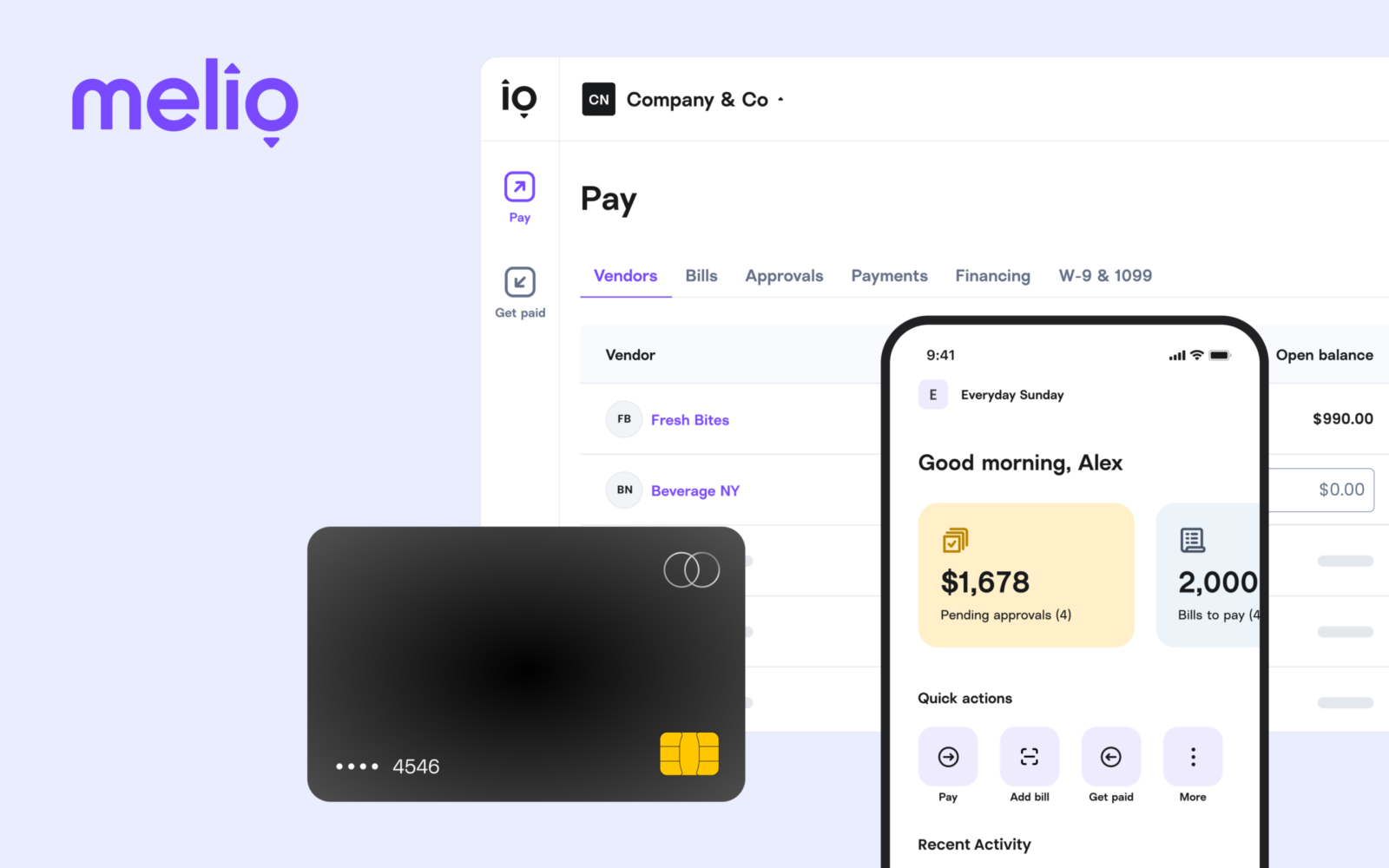
Melio is a cloud-based business payments platform for paying bills and receiving payments. It includes bill capture, approvals, payment options, and accounting-software integrations.
Melio's published features cover bill payment, invoicing, approvals, bill capture, and accounting sync. Its free plan has payment and user limits, and API access is restricted to a closed beta. The assessment uses published product information and a public G2 rating, not hands-on testing.
This profile combines documented product information and independent evidence where available. It is not a hands-on test unless TechZella explicitly identifies one.
A quick way to understand who this product may suit, where its limits matter, and which facts are most relevant before you compare alternatives.
Small businesses and accounting practices that want to pay bills, collect payments, and sync payment records with supported accounting software.
Organizations requiring public self-service API access, broad ERP coverage, or transfer of historical Melio data into Xero's embedded bill-payment experience should assess those constraints before adopting it, and should evaluate alternatives such as BILL or Ramp instead.
Android, Cloud, iOS, SaaS, Web
7.9/10
These are the product-specific differences that may matter when deciding whether the software fits your workflow. They are based on documented evidence rather than a universal ranking.
These are documented constraints or practical friction points that may matter before you adopt the product.
After the trial, an account that does not upgrade reverts to the limited Go plan, and data associated with premium features may be deleted.
Evidence source ↗Xero states historical supplier and payment data will not transfer into the embedded setup, and users must re-verify business details.
Evidence source ↗A software team cannot assume it can obtain production API access through a public self-service signup.
Evidence source ↗Free plan; includes five free ACH payments monthly and is limited to one user. The pricing page lists a fee for ACH payments beyond the monthly allowance.
Check current pricing →Includes 20 free ACH payments monthly; additional users and transaction fees may add cost. The pricing page also lists a lower annual-billing price.
Check current pricing →Includes 50 free ACH payments monthly, advanced approval options, and QuickBooks Desktop sync; additional users and transaction fees may add cost.
Check current pricing →Includes unlimited ACH payments and unlimited users; the pricing page also lists a lower annual-billing price.
Check current pricing →Invite-only high-volume plan with custom transaction pricing, tailored account management, custom integrations, and API access.
Check current pricing →Pricing may change. Verify current plans on the vendor's website.
Compare the product with documented alternatives across the factors that can change a buying decision. Each row is evidence-backed rather than a generic feature checklist.
| Decision factor | Melio | BILL |
|---|---|---|
| Subscription pricing model | Go is free; paid plans listed from $25 per month, with additional transaction fees and plan-specific ACH allowances. | BILL lists AP and AR subscriptions from $49 per user monthly, with separate payment-method fees. Source ↗ |
| Accounting integrations | Melio lists QuickBooks Online and Xero sync on Core and Boost; QuickBooks Desktop and NetSuite are available on Unlimited. | BILL lists automatic two-way sync with QuickBooks Online, QuickBooks Pro, QuickBooks Premier, and Xero. Source ↗ |
| Finance workflow scope | Melio combines bill payment, vendor payments, invoicing, payment links, and accounts-receivable functions. | BILL lists AP, AR, and procurement functions, including purchase requests and purchase orders on its Corporate plan. Source ↗ |
| Decision factor | Melio | Ramp |
|---|---|---|
| Subscription pricing model | Go is free; paid Melio plans start at $25 per month, with additional transaction fees and plan-specific ACH allowances. | Ramp lists a free tier and a Plus tier at $15 per user monthly plus a platform fee; Bill Pay payment-method fees may apply. Source ↗ |
| Accounting integrations | Melio lists QuickBooks Online and Xero sync on Core and Boost; QuickBooks Desktop and NetSuite are available on Unlimited. | Ramp's free tier lists QuickBooks Online and Xero integrations; paid Ramp Plus lists additional ERP integrations. Source ↗ |
| Finance workflow scope | Melio focuses on business payments, bill workflows, invoicing, and accounting sync. | Ramp combines bill pay with corporate cards, expenses, travel, and accounting automation. Source ↗ |
Only factors supported by the available research are shown. The comparison is descriptive, not a ranking.
Compare similar products directly, then see which alternatives may make more sense when your requirements differ.
| Decision factor | Melio | BILL | Ramp |
|---|---|---|---|
| Subscription pricing model | Go is free; paid plans listed from $25 per month, with additional transaction fees and plan-specific ACH allowances. | BILL lists AP and AR subscriptions from $49 per user monthly, with separate payment-method fees. Source ↗ | Ramp lists a free tier and a Plus tier at $15 per user monthly plus a platform fee; Bill Pay payment-method fees may apply. Source ↗ |
| Accounting integrations | Melio lists QuickBooks Online and Xero sync on Core and Boost; QuickBooks Desktop and NetSuite are available on Unlimited. | BILL lists automatic two-way sync with QuickBooks Online, QuickBooks Pro, QuickBooks Premier, and Xero. Source ↗ | Ramp's free tier lists QuickBooks Online and Xero integrations; paid Ramp Plus lists additional ERP integrations. Source ↗ |
| Finance workflow scope | Melio combines bill payment, vendor payments, invoicing, payment links, and accounts-receivable functions. | BILL lists AP, AR, and procurement functions, including purchase requests and purchase orders on its Corporate plan. Source ↗ | Ramp combines bill pay with corporate cards, expenses, travel, and accounting automation. Source ↗ |
Only factors supported by the available research are shown. The comparison is descriptive, not a ranking.
These products address broadly similar requirements. The descriptions focus on documented reasons a buyer might compare them with Melio.
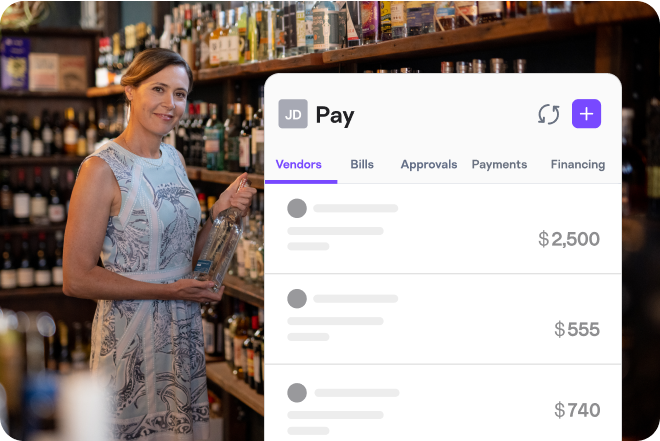
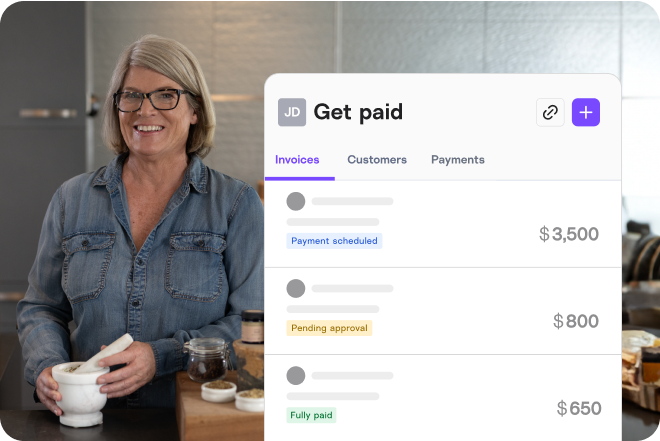
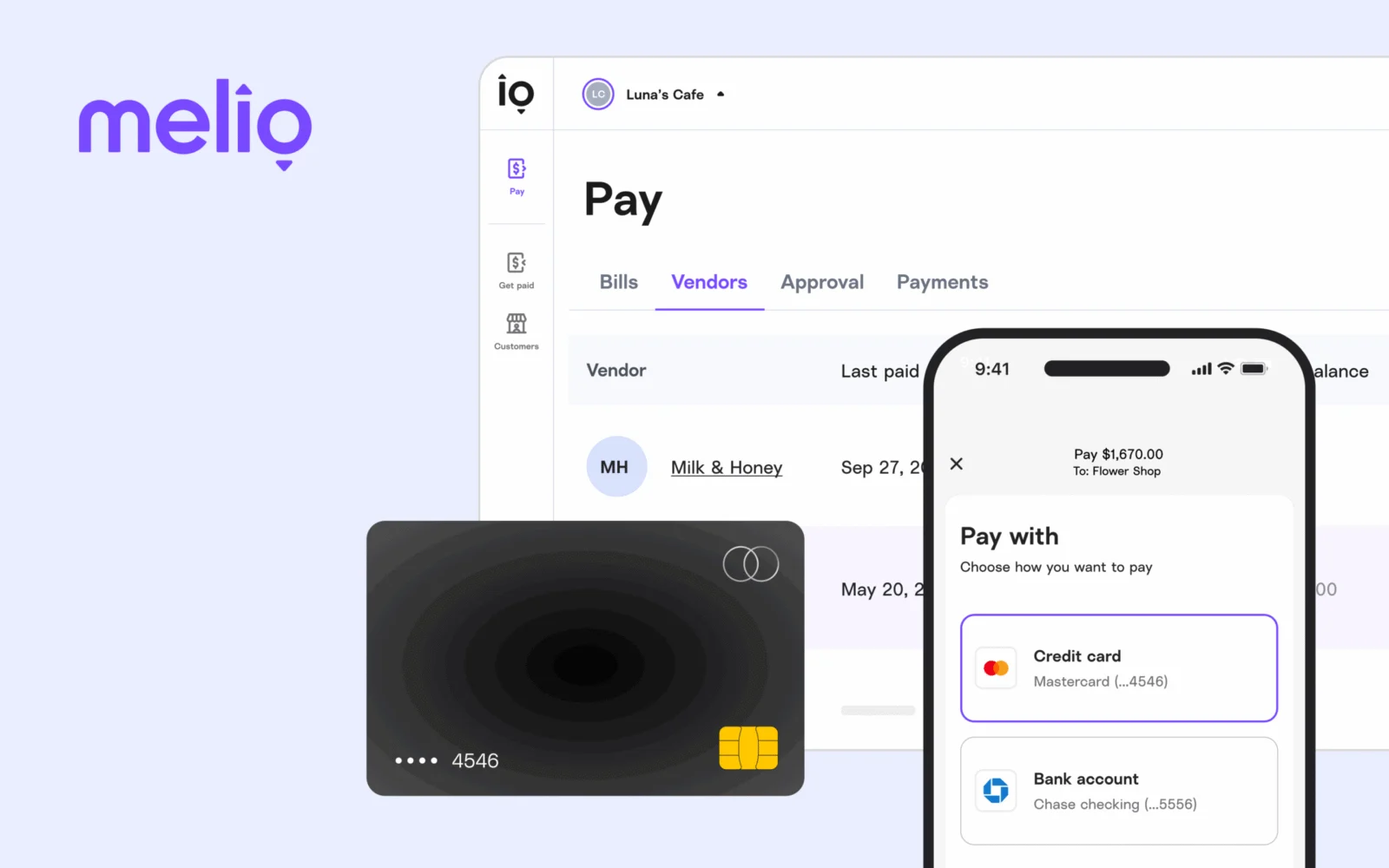
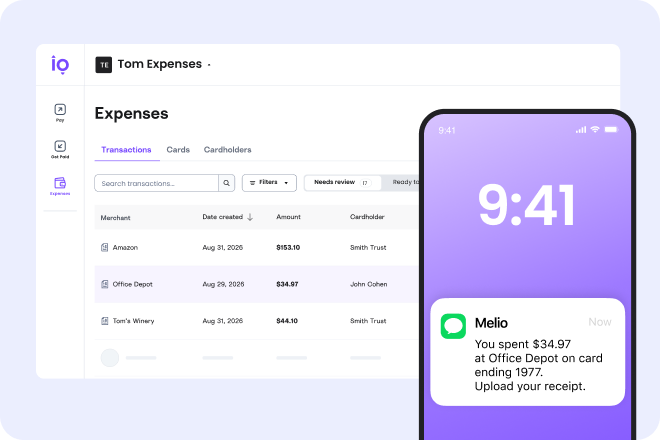
Melio is a business payments platform for accounts payable and receivable. Businesses can pay vendors, contractors, and other payees, while also creating invoices and payment links to collect money.
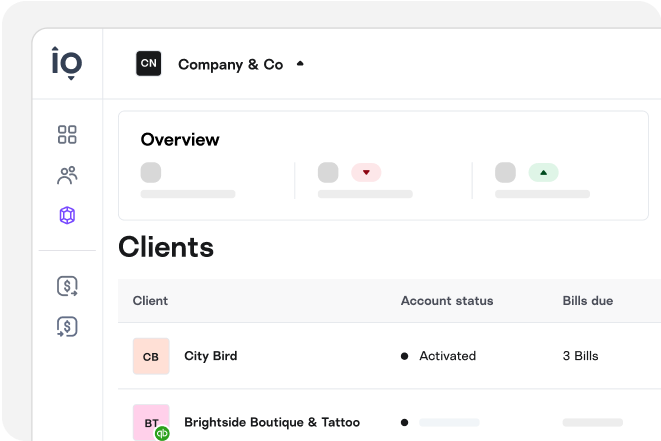
The product connects payment activity with supported accounting systems. It is available through a web app and mobile apps. Xero has acquired Melio and also offers a separate embedded bill-pay experience; Xero says data from standalone Melio accounts does not transfer into that embedded setup.
| Deployment | Cloud-based SaaS |
|---|---|
| Access | Web, iOS, and Android |
| Accounting integrations | QuickBooks Online, Xero, QuickBooks Desktop, and NetSuite; availability varies by plan |
| API | B2B payouts API in closed beta; not generally available |
| Free plan | Go, one user and five free ACH payments monthly |
| Free trial | 90-day premium access offer |
| Business location availability | Melio describes its core market as US businesses; API page says businesses paying through the API must be US-based |
Verified installation, hosting, administration, or environment details that can affect implementation.
| Installation or hosting | Melio is provided as a web service, with companion iOS and Android apps; no self-hosted installation option was found. Source ↗ |
|---|
Documented portability, standards, export, or switching considerations. No switching-cost score is shown unless the evidence supports one.
When setting up Xero's embedded bill payments, historical supplier and payment data from an existing standalone Melio account is not transferred.
Evidence source ↗A proprietary editorial score based on product capabilities, usability, value, performance, support and user sentiment evidence.
Melio's published features cover bill payment, invoicing, approvals, bill capture, and accounting sync. Its free plan has payment and user limits, and API access is restricted to a closed beta. The assessment uses published product information and a public G2 rating, not hands-on testing.
Methodology v1.0. The assessment weighs feature coverage (25%), ease of use (15%), value for money (20%), performance (15%), support (10%) and user sentiment (15%), using researched product evidence and verified review evidence where available. It is a TechZella editorial assessment, not a direct user-review average.
Key claims are linked to the sources used to verify them. This evidence record is separate from third-party user ratings.
TechZella evaluates software using documented product capabilities, pricing information, usability and value considerations, independent user evidence where available, and competitive context. The assessment is an editorial review, not a hands-on test unless one is explicitly identified. Our editorial assessment is based on 6 documented sources.
The official pricing page lists Go at no subscription cost and describes a 90-day trial that converts to Go if the user does not subscribe.
View source ↗Verified 2026-10-19Melio's integration page lists these accounting products and identifies plan availability for QuickBooks Desktop and NetSuite.
View source ↗Verified 2026-10-19The API page states that the API is not open to the general public and describes application-based beta access.
View source ↗Verified 2026-10-19Melio's help page describes its responsive website and mobile app; the app marketplaces list Melio applications.
View source ↗Verified 2026-10-19Melio's company LinkedIn profile lists 2018 as its founding year.
View source ↗Verified 2026-10-19Xero's current bill-pay FAQ describes Melio as acquired by Xero and explains its embedded bill-payment option.
View source ↗Verified 2026-10-19Does Melio have a free plan? Yes. Go is listed at $0 per month, with limits including one user and five free ACH payments per month.
Does Melio offer a free trial? Melio advertises 90 days of premium access. The account converts to Go if the user does not subscribe afterward; Melio warns that premium-feature data may be deleted.
Which accounting products does Melio connect to? Melio lists QuickBooks Online, Xero, QuickBooks Desktop, and NetSuite, with some integrations limited to higher plans.
Is Melio’s API generally available? No. Its B2B payouts API is in closed beta and requires approval.
Can I use Melio on a phone? Yes. Melio provides iOS and Android apps, as well as a responsive web app.
No reviews yet. Be the first to share your experience.
Please log in to submit a review.