
Chrome's extension permission notice covers reading and changing data on websites.
The extension needs page access to identify and block ads and tracking requests. Organizations should review browser permissions before deployment.
Evidence source ↗
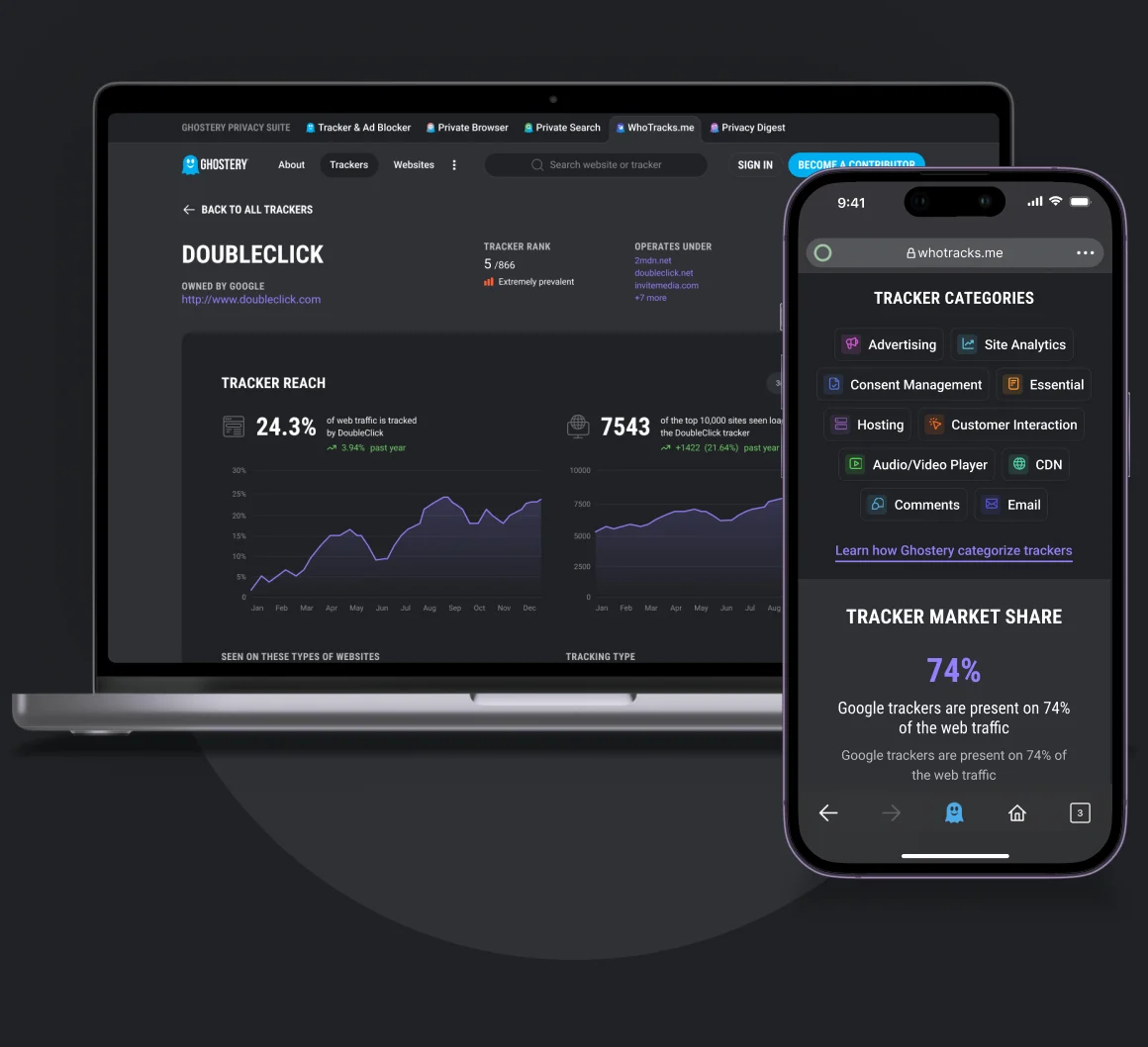
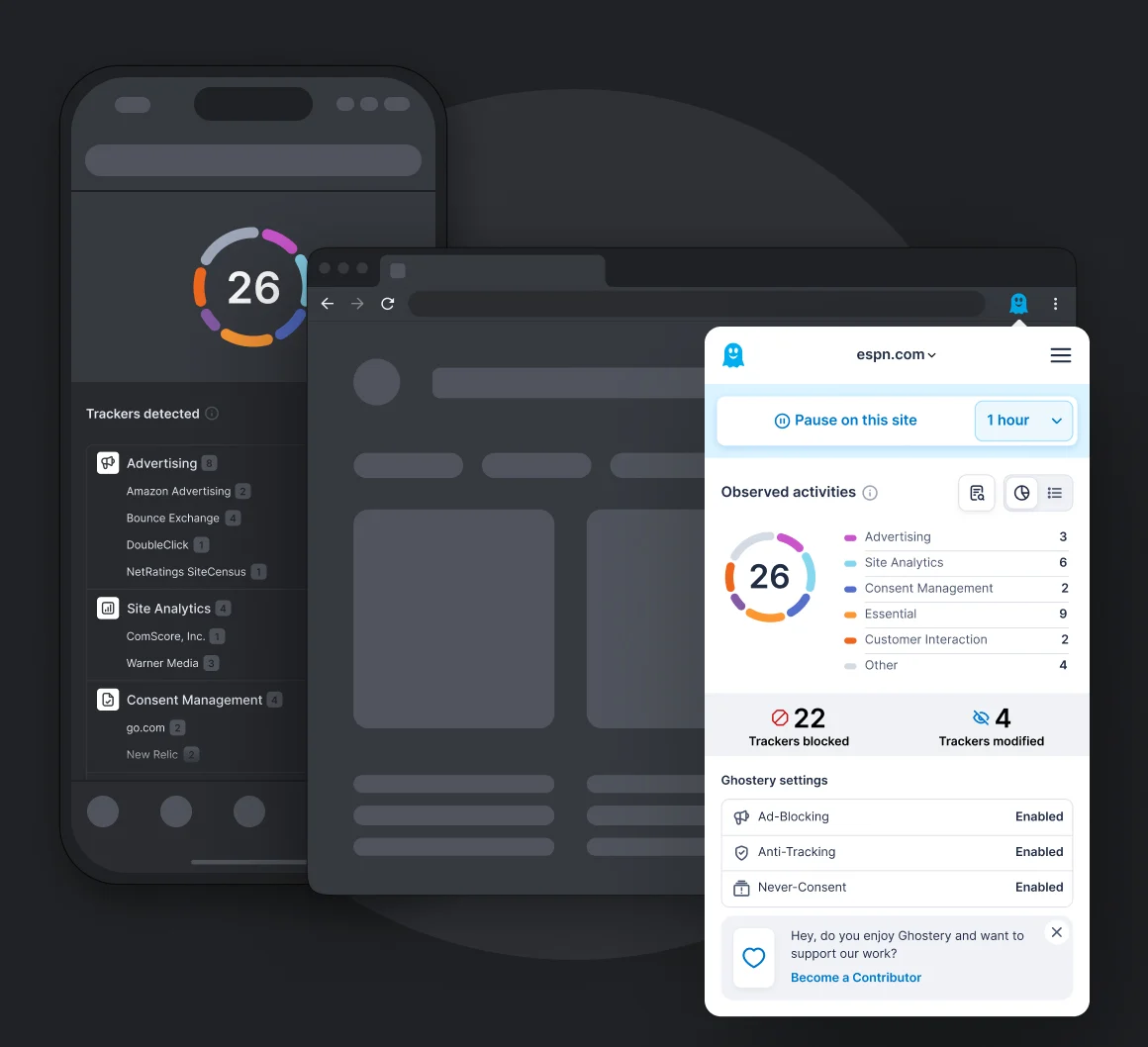
Ghostery is a free, open-source browser extension that blocks ads and trackers, handles cookie consent pop-ups, and shows tracking activity.
Feature coverage and free access are documented by Ghostery. The Chrome Web Store listing shows 4.7 stars from approximately 19.1k ratings. An independent review identifies limited customer support; scores are editorial assessments, not hands-on test results.
This profile combines documented product information and independent evidence where available. It is not a hands-on test unless TechZella explicitly identifies one.
Ghostery is a browser extension for blocking ads and trackers. It also handles cookie-consent pop-ups and identifies trackers found on visited pages.
Ghostery is free, and its extension code is publicly available. Individuals install it in their own browsers; organizations can configure managed deployments through existing device and browser management tools.
It is not a full endpoint security product. Ghostery’s enterprise deployment documentation says there is no central dashboard for monitoring browsing activity or managing deployed extensions after configuration.
A quick way to understand who this product may suit, where its limits matter, and which facts are most relevant before you compare alternatives.
Individuals and organizations seeking browser-level ad and tracker blocking, cookie-consent handling, and visibility into third-party trackers.
Organizations needing a central admin dashboard, browsing-activity monitoring, or a full endpoint security suite. Ghostery documents policy-based deployment but says it has no admin dashboard, and should evaluate alternatives such as AdGuard or uBlock Origin instead.
Android, Chrome extension, Firefox, iOS, Safari
8.1/10
These are the product-specific differences that may matter when deciding whether the software fits your workflow. They are based on documented evidence rather than a universal ranking.
These are documented constraints or practical friction points that may matter before you adopt the product.
The extension needs page access to identify and block ads and tracking requests. Organizations should review browser permissions before deployment.
Evidence source ↗IT can distribute settings through existing management tools, but cannot use Ghostery as a central employee monitoring console.
Evidence source ↗For security-sensitive software, TechZella focuses on documented architecture, authentication, data handling, deployment and privacy details that can affect a buying decision. This is product research, not an independent security audit.
The changelog lists Global Privacy Control support, filter improvements, and fixes for website breakage.
Source ↗Security claims are presented only when supported by documented sources. The presence of this section does not constitute a penetration test, certification or independent security audit.
Core privacy features are free without a required subscription. Optional one-time or recurring contributions support Ghostery.
Check current pricing →Pricing may change. Verify current plans on the vendor's website.
Compare similar products directly, then see which alternatives may make more sense when your requirements differ.
These products address broadly similar requirements. The descriptions focus on documented reasons a buyer might compare them with Ghostery.




| Pricing | Free; optional contributions |
|---|---|
| Free trial | Not applicable; the core extension is free |
| API | No general public integration API documented in reviewed product materials; changelog documents JavaScript API exposure for Global Privacy Control |
| Integrations | Browser extensions and documented management workflows using GPO, Microsoft Intune, JAMF Pro, Google Workspace, macOS profiles, and Linux |
| Installation | Browser extension; installed separately in each supported browser |
| Source availability | Browser extension source code published on GitHub |
| Settings portability | Manual file export and import; no login required |
| Enterprise administration | Managed policies available; no central admin dashboard or user activity reporting |
| Company address | Arabellastraße 23, 81925 Munich, Germany |
Verified installation, hosting, administration, or environment details that can affect implementation.
| Installation or hosting | Installed as a browser extension. Enterprise deployment guides cover Group Policy, Microsoft Intune, JAMF Pro, Google Workspace, macOS profiles, and Linux. Source ↗ |
|---|---|
| Central administration | Managed storage policies configure extension behavior, but Ghostery documents no central admin dashboard, monitoring, or reporting. Source ↗ |
Documented portability, standards, export, or switching considerations. No switching-cost score is shown unless the evidence supports one.
Users can export settings to a file and import them into Ghostery on another browser or device. Ghostery says this process requires no login.
Evidence source ↗A proprietary editorial score based on product capabilities, usability, value, performance, support and user sentiment evidence.
Feature coverage and free access are documented by Ghostery. The Chrome Web Store listing shows 4.7 stars from approximately 19.1k ratings. An independent review identifies limited customer support; scores are editorial assessments, not hands-on test results.
Methodology v1.0. The assessment weighs feature coverage (25%), ease of use (15%), value for money (20%), performance (15%), support (10%) and user sentiment (15%), using researched product evidence and verified review evidence where available. It is a TechZella editorial assessment, not a direct user-review average.
Key claims are linked to the sources used to verify them. This evidence record is separate from third-party user ratings.
TechZella evaluates software using documented product capabilities, pricing information, usability and value considerations, independent user evidence where available, and competitive context. The assessment is an editorial review, not a hands-on test unless one is explicitly identified. Our editorial assessment is based on 6 documented sources.
The official FAQ says privacy protection features are available at no cost; users may contribute voluntarily.
View source ↗Verified 2026-10-05The official FAQ describes all three components and their functions.
View source ↗Verified 2026-10-05Enterprise documentation lists deployment methods and explicitly states the extension has no admin dashboard or monitoring.
View source ↗Verified 2026-10-05The official FAQ documents file-based settings backup and import, and says no login is required.
View source ↗Verified 2026-10-05The company's privacy policy names Ghostery GmbH and gives its Munich address.
View source ↗Verified 2026-10-05The official Ghostery organization hosts the browser extension repository and describes its supported browsers.
View source ↗Verified 2026-10-05The public Chrome Web Store listing displays 4.7 stars and 19.1k ratings.
View source ↗Verified 2026-10-05The changelog lists Global Privacy Control support, filter improvements, and fixes for website breakage.
View source ↗Verified 2026-10-05Answers begin with the clearest available response, followed by the context that helps you act on it.
No reviews yet. Be the first to share your experience.
Please log in to submit a review.