
The free version allows only one top-level filter at a time.
Users who want ads, privacy, and annoyance filters enabled together need Premium.
Evidence source ↗
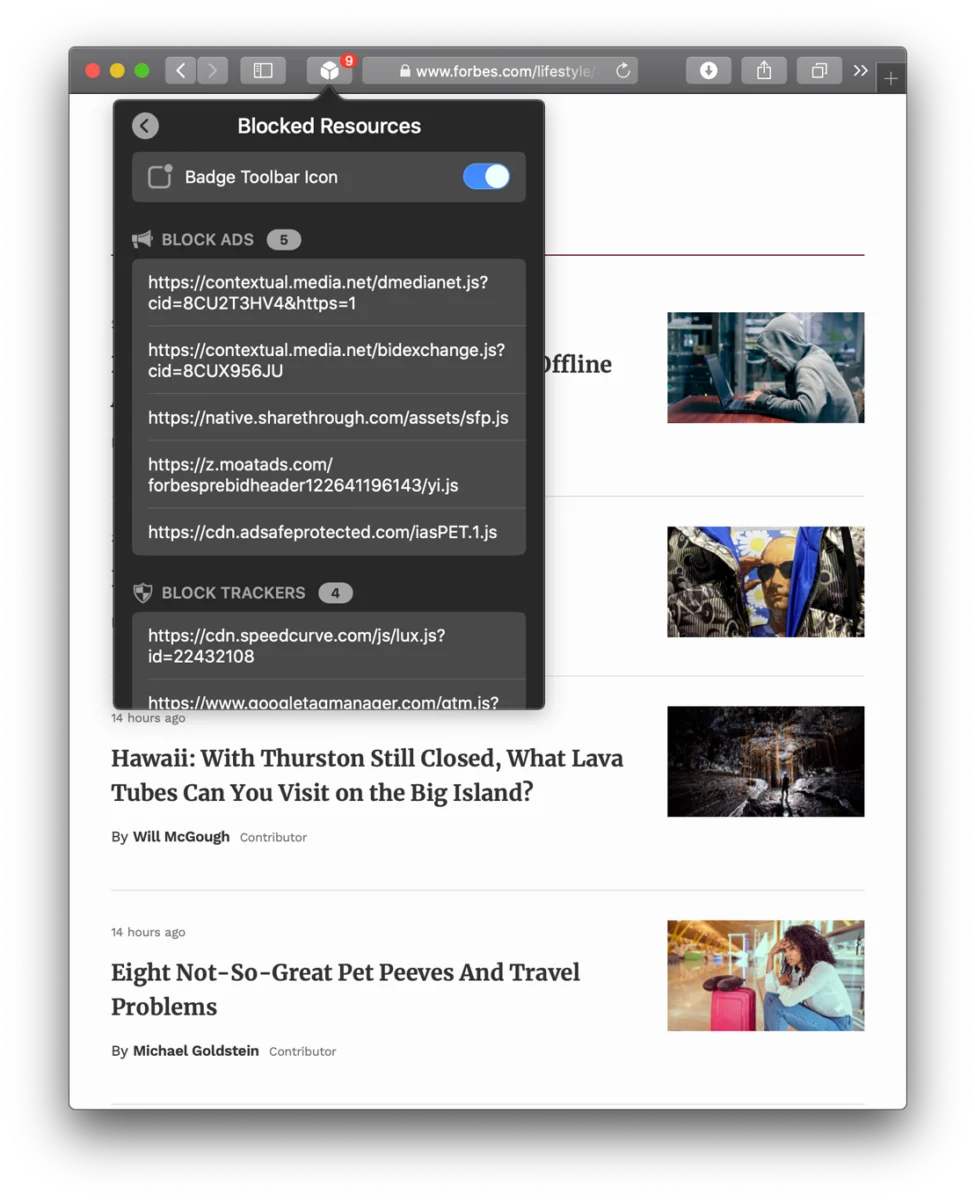
1Blocker is an Apple-platform content blocker for Safari. It filters ads, trackers, and other unwanted content, with optional in-app tracker blocking on iOS.
The product offers customizable Safari filters, local content filtering, and optional iOS in-app tracker blocking. Apple App Store ratings provide a broad rating count, but this assessment is not based on hands-on testing or analyzed review themes.
This profile combines documented product information and independent evidence where available. It is not a hands-on test unless TechZella explicitly identifies one.
A quick way to understand who this product may suit, where its limits matter, and which facts are most relevant before you compare alternatives.
Apple-device users who primarily browse with Safari and want ad, tracker, and annoyance filtering, with optional filtering of known in-app trackers on iOS.
People who need a blocker for Windows, Android, or browsers outside Safari. The vendor says visual ads in other apps and browsers cannot currently be blocked with its Safari-based approach, and should evaluate alternatives such as AdGuard instead.
iOS, iPadOS, macOS, visionOS
8.0/10
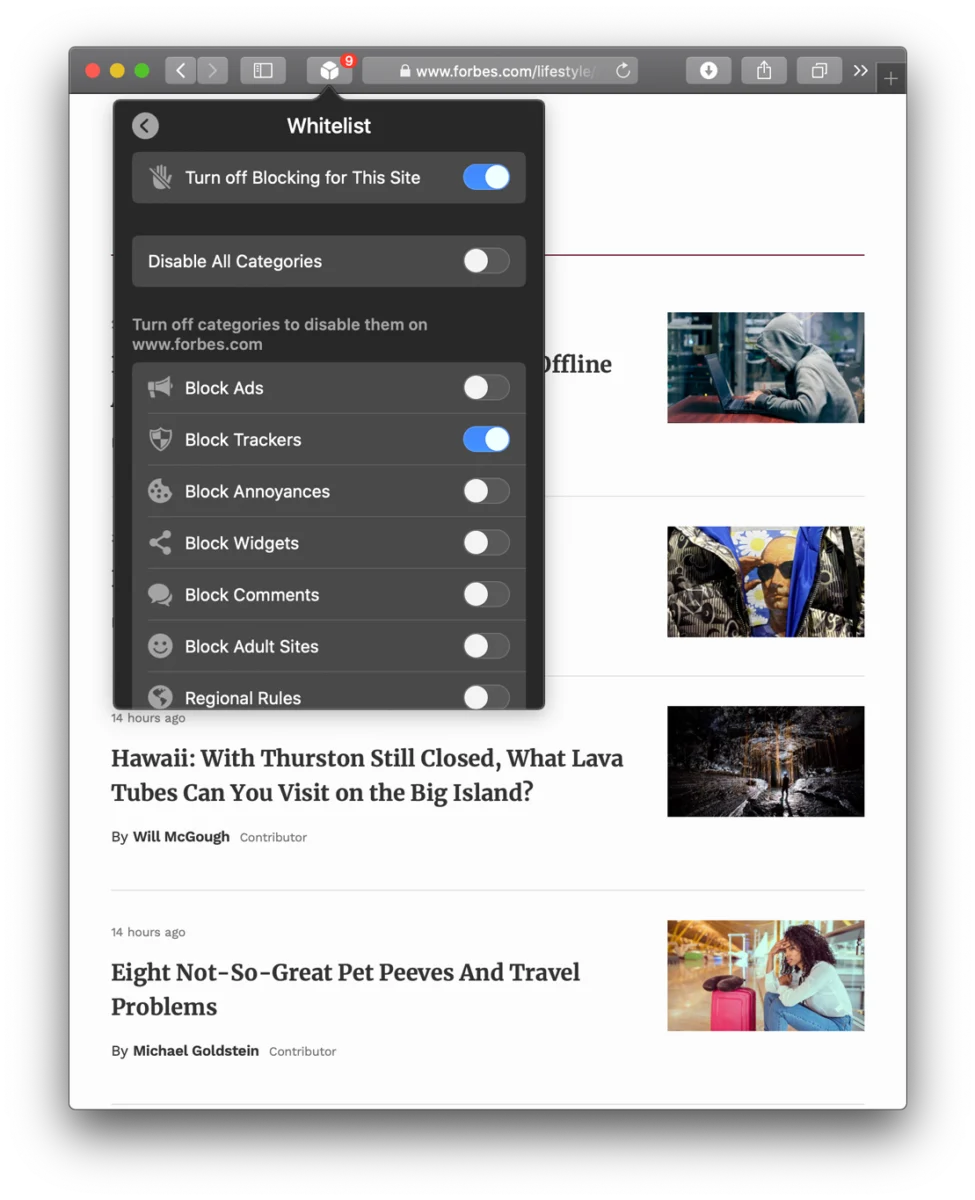
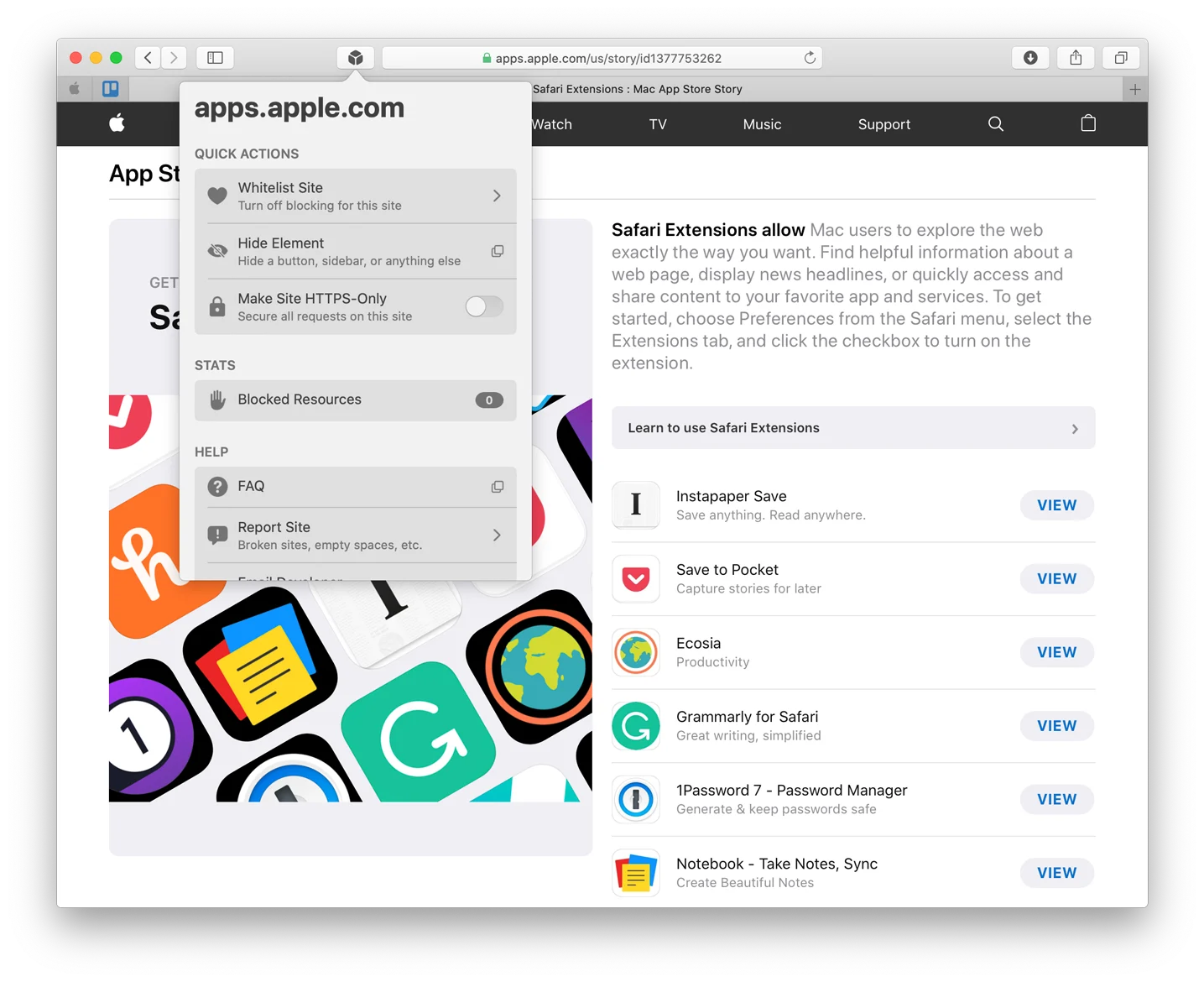
1Blocker is a content-blocking app for Apple devices, focused on Safari. Its filters cover ads, trackers, annoyances, and adult content; custom rules let users tailor what gets blocked.
On iOS, an optional local VPN profile supports blocking known trackers in apps. The vendor says visual ads in browsers other than Safari and other apps cannot be blocked through its Safari-based method.
These are the product-specific differences that may matter when deciding whether the software fits your workflow. They are based on documented evidence rather than a universal ranking.
These are documented constraints or practical friction points that may matter before you adopt the product.
Users who want ads, privacy, and annoyance filters enabled together need Premium.
Evidence source ↗Users should account for this configuration and consider how it interacts with any other VPN profile they use.
Evidence source ↗The product is not a general-purpose ad blocker for every browser or app on the device.
Evidence source ↗For security-sensitive software, TechZella focuses on documented architecture, authentication, data handling, deployment and privacy details that can affect a buying decision. This is product research, not an independent security audit.
| Deployment | Native Apple apps; content filtering performed locally; filter lists receive cloud updates |
|---|
Security claims are presented only when supported by documented sources. The presence of this section does not constitute a penetration test, certification or independent security audit.
One top-level filter at a time, with custom rules. Free download from the App Store.
Check current pricing →Premium features; US base price. App Store regional pricing may vary.
Check current pricing →Premium features; US base price. New users may be offered a 14-day trial that renews annually unless canceled.
Check current pricing →One-time purchase for Premium features; US base price. App Store regional pricing may vary.
Check current pricing →Pricing may change. Verify current plans on the vendor's website.
AdGuard is another ad and tracker blocking product listed alongside 1Blocker in the App Store’s related-app suggestions. Buyers should compare supported browsers, operating systems, and whether they need filtering beyond Safari before choosing.
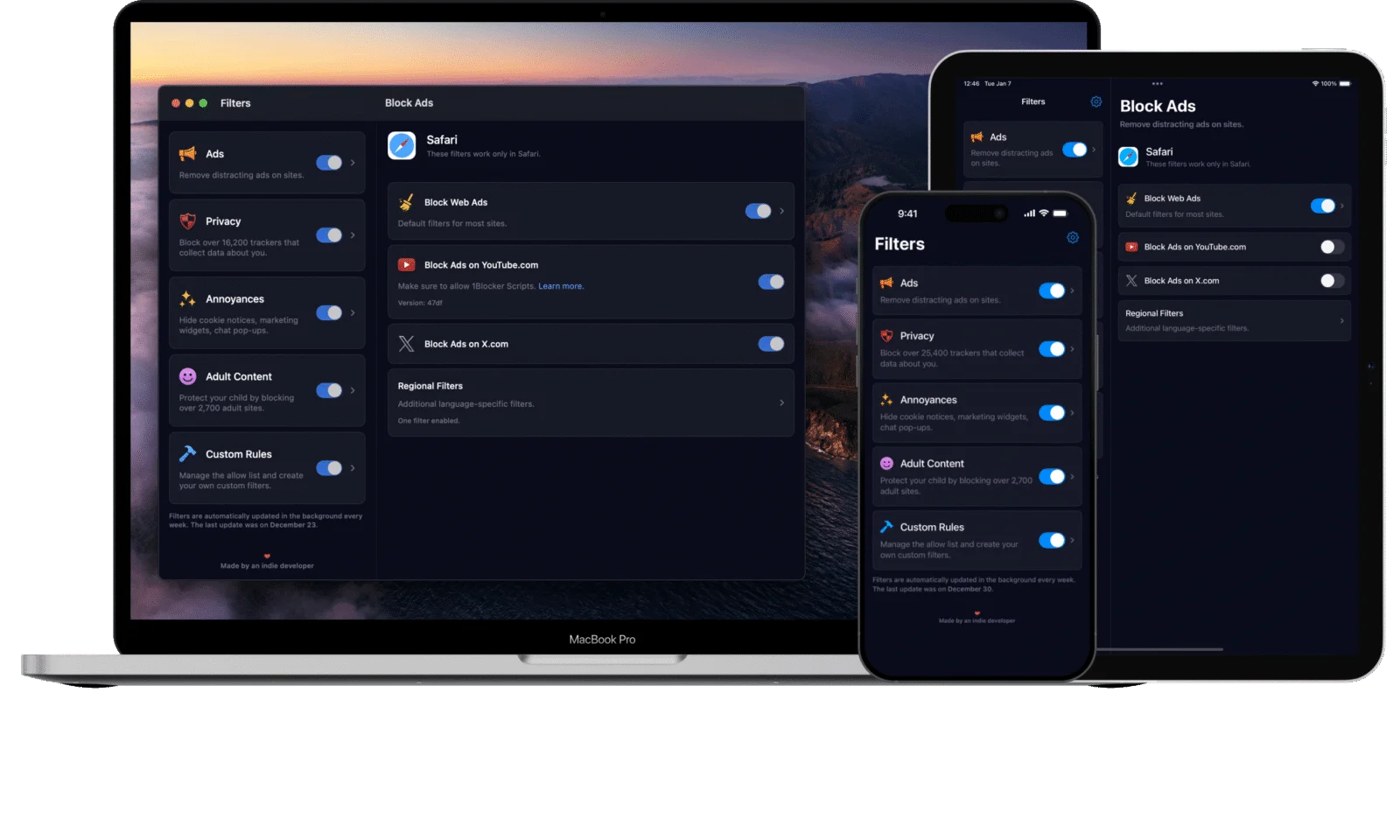
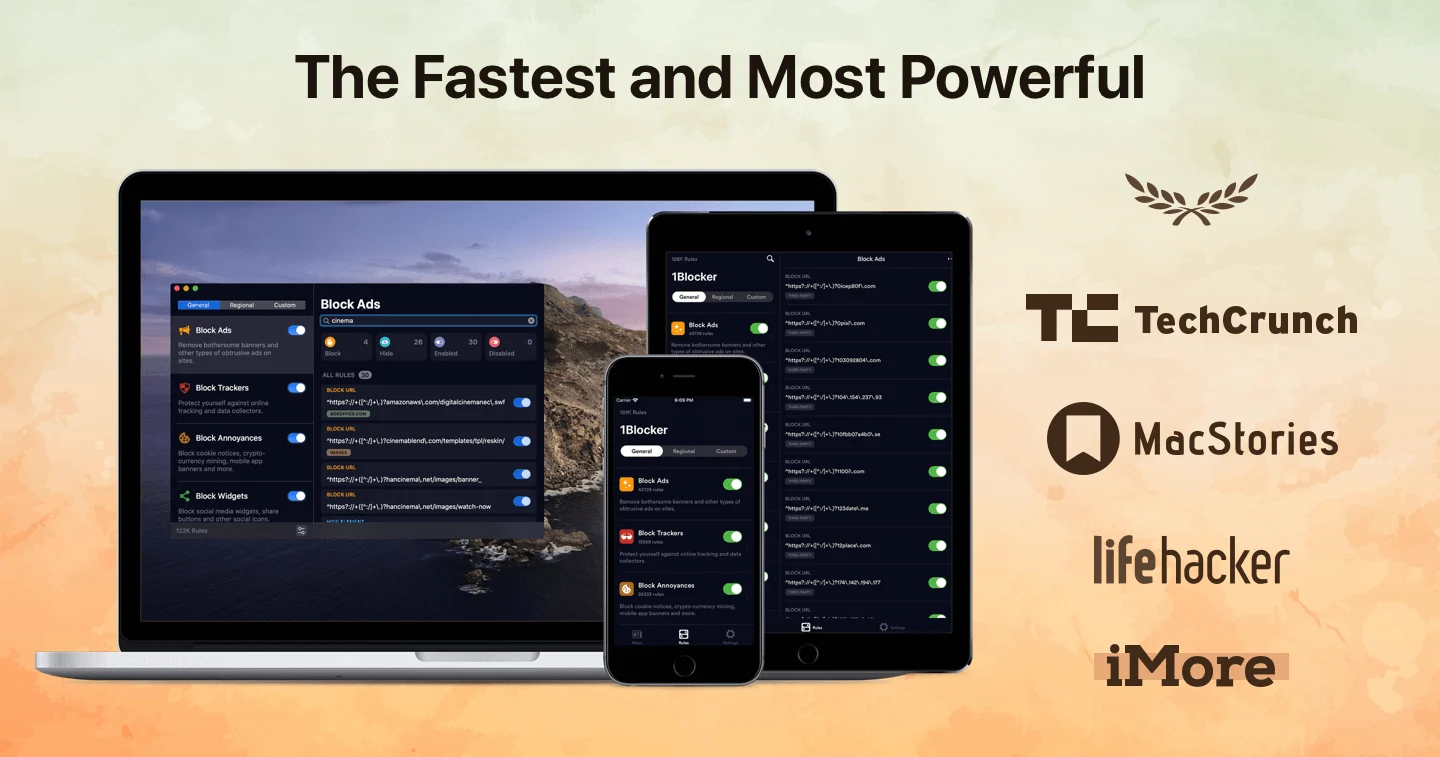
| Supported devices | iPhone, iPad, Mac, Apple Vision |
|---|---|
| Minimum operating systems | iOS 16 or later; macOS 13 Ventura or later; visionOS supported |
| Browser support | Safari; some in-app browsers using Apple's Safari View Controller |
| Integrations and syncing | Safari content-blocking extensions, iCloud syncing, and Apple Family Sharing |
| API | No public API documented in the reviewed product and help pages |
| Free trial | 14 days for new users through the yearly subscription offer |
| Deployment | Native Apple apps; content filtering performed locally; filter lists receive cloud updates |
Verified installation, hosting, administration, or environment details that can affect implementation.
| Installation or hosting | Native apps are downloaded from Apple's App Store. Content filtering is performed locally on the device; the vendor says filter lists receive cloud updates. Source ↗ |
|---|---|
| Supported devices | iPhone and iPad require iOS 16 or later; Mac requires macOS 13 Ventura or later. The app also supports visionOS. Source ↗ |
A proprietary editorial score based on product capabilities, usability, value, performance, support and user sentiment evidence.
The product offers customizable Safari filters, local content filtering, and optional iOS in-app tracker blocking. Apple App Store ratings provide a broad rating count, but this assessment is not based on hands-on testing or analyzed review themes.
Methodology v1.0. The assessment weighs feature coverage (25%), ease of use (15%), value for money (20%), performance (15%), support (10%) and user sentiment (15%), using researched product evidence and verified review evidence where available. It is a TechZella editorial assessment, not a direct user-review average.
Key claims are linked to the sources used to verify them. This evidence record is separate from third-party user ratings.
TechZella evaluates software using documented product capabilities, pricing information, usability and value considerations, independent user evidence where available, and competitive context. The assessment is an editorial review, not a hands-on test unless one is explicitly identified. Our editorial assessment is based on 6 documented sources.
The vendor documents a free mode and monthly, yearly, and lifetime Premium purchases.
View source ↗Verified 2026-10-05The help center lists these US-dollar base prices and notes that App Store regional pricing may vary.
View source ↗Verified 2026-10-05The trial instructions describe a 14-day trial and state that it renews as an annual subscription unless canceled.
View source ↗Verified 2026-10-05The supported-devices help page lists these Apple device environments and minimum operating-system requirements.
View source ↗Verified 2026-10-05The free-versus-Premium article details the filter and update boundaries for each tier.
View source ↗Verified 2026-10-05The vendor's help article describes the local VPN profile and its role in checking connections.
View source ↗Verified 2026-10-05The US App Store listing identifies the seller and displays its current rating and rating count.
View source ↗Verified 2026-10-05No reviews yet. Be the first to share your experience.
Please log in to submit a review.
Does 1Blocker have a free version? Yes. It allows one top-level filter at a time, plus custom rules.
Is there a free trial? New users can try Premium for 14 days through the yearly subscription offer. It renews annually unless canceled.
Which platforms does it support? It supports iPhone, iPad, Mac, and Apple Vision devices. The vendor specifies iOS 16 or later and macOS 13 Ventura or later.
Does it block ads in every app or browser? No. The vendor says its visual ad-blocking approach works in Safari and in-app browsers using Apple’s Safari View Controller, but not other browsers or apps.
Does 1Blocker provide an API or business integrations? The reviewed public product and help pages do not document a public API or third-party business integrations. The product does document Safari support, iCloud syncing, and Apple Family Sharing.