
Sharing a project gives collaborators access to the local file system within that project.
Users should share projects only with trusted collaborators and understand the shared project boundary.
Evidence source ↗
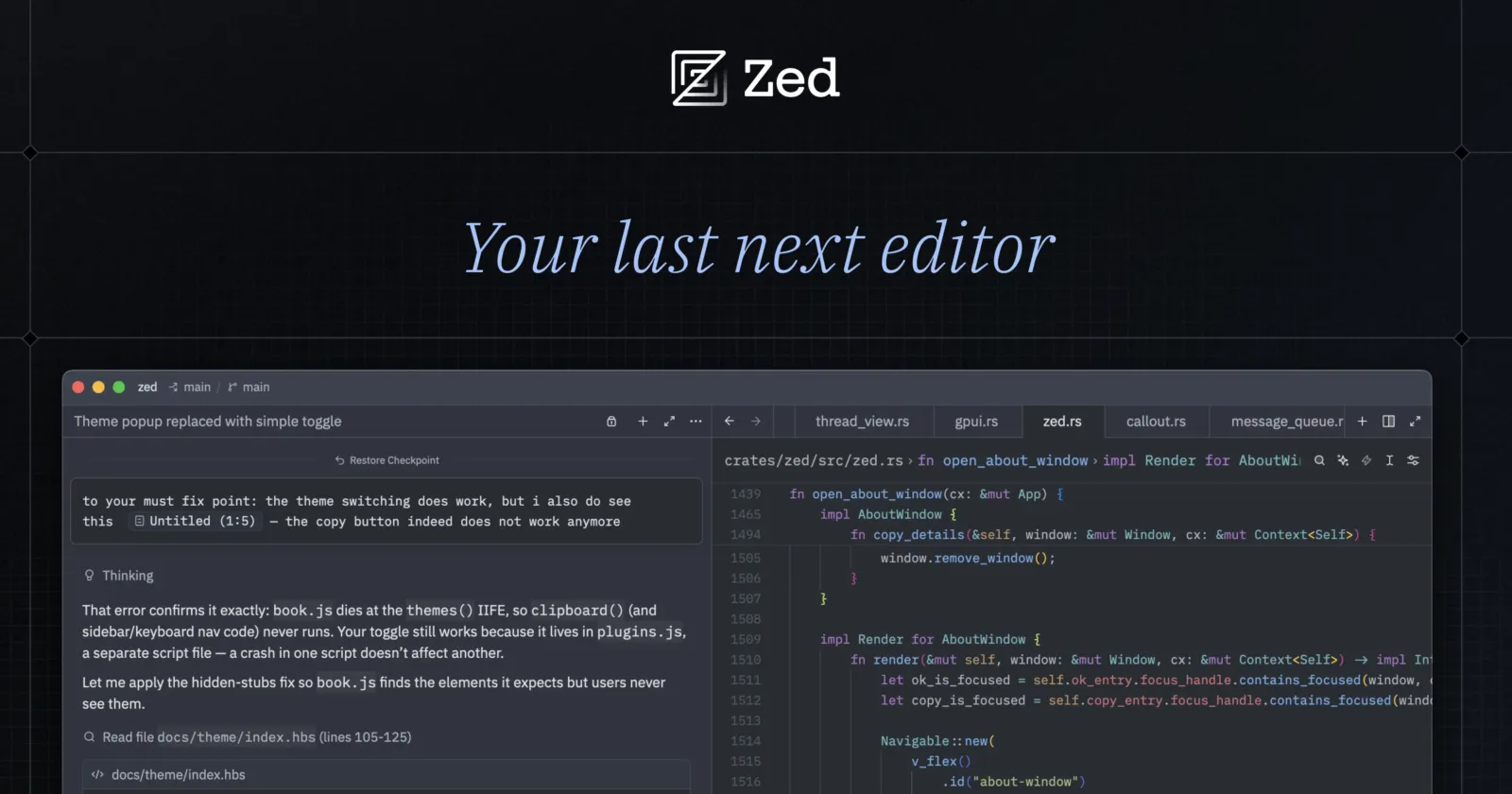
Zed is an open-source code editor for macOS, Linux, and Windows, with built-in AI coding tools, extensions, and real-time collaboration.
Official documentation verifies a broad editor, AI, extension, and collaboration feature set across three desktop operating systems. Product Hunt showed 47 reviews and a 4.9 rating; that evidence is limited to one review platform.
This profile combines documented product information and independent evidence where available. It is not a hands-on test unless TechZella explicitly identifies one.
A quick way to understand who this product may suit, where its limits matter, and which facts are most relevant before you compare alternatives.
Developers seeking a native desktop code editor with built-in collaboration, configurable AI model access, and agent workflows across macOS, Linux, or Windows.
Teams dependent on a particular VS Code extension, browser-based editing, or a central public editor API should verify compatibility first; Zed documents a smaller extension catalog than VS Code and no web version, and should evaluate alternatives such as Visual Studio Code or Cursor instead.
Linux, macOS, Windows
8.3/10
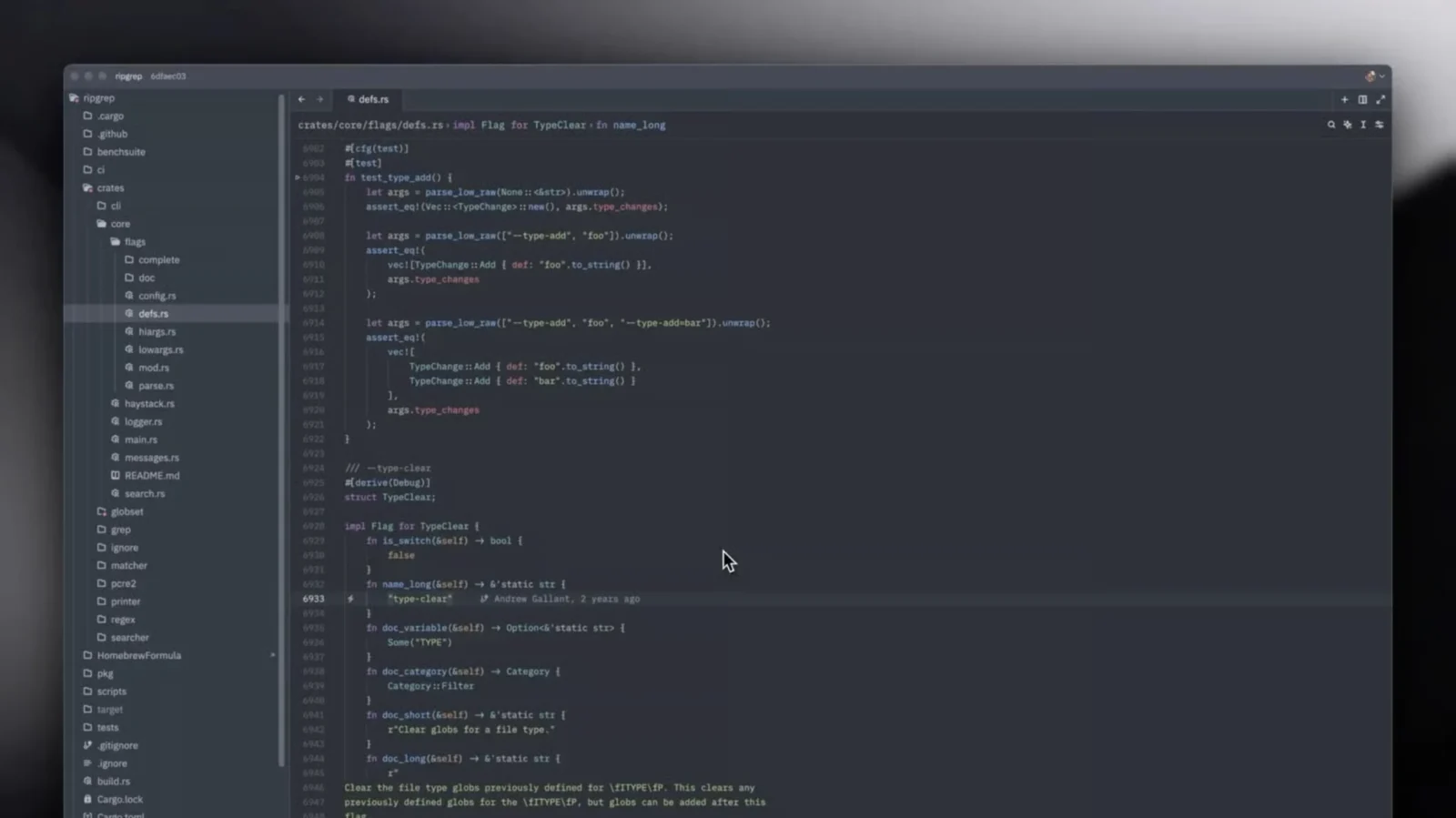
Zed is an open-source desktop code editor developed by Zed Industries. It runs on macOS, Linux, and Windows, and combines code editing, collaboration, extensions, and AI features.
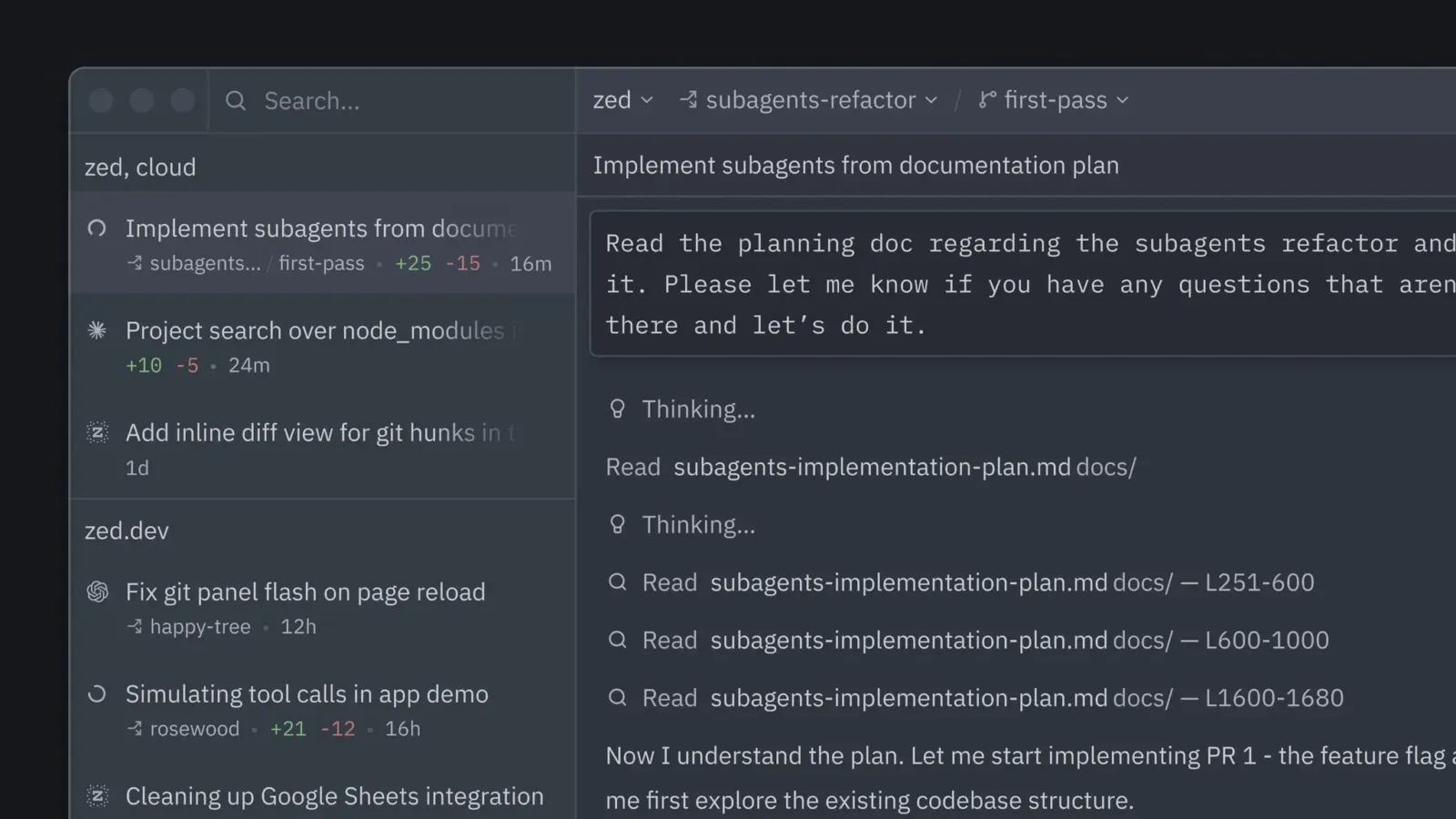
Its AI workflows support Zed’s own agent, external agents, and terminal-based agent sessions. Users can connect hosted models, provider accounts, gateways, subscriptions, or local models. The editor is free without AI subscriptions, while paid plans add hosted AI access and, for Business, team controls.
These are the product-specific differences that may matter when deciding whether the software fits your workflow. They are based on documented evidence rather than a universal ranking.

| Product type | Open-source code editor |
|---|---|
| Desktop platforms | macOS, Linux, Windows |
| Web app | Not supported |
| Windows Subsystem for Linux | Supported integration |
| API | Provider API access and Rust extension API documented; no general-purpose public editor API verified |
| Integrations | LLM providers, MCP servers, ACP agents, and editor extensions |
| Free trial | Pro trial: 14 days |
| Free plan | Personal plan available at no charge |
| Linux requirement | Vulkan 1.3 driver and supported desktop portals |
| Hosted AI billing | Pro includes $5 monthly token credit; additional usage charged at provider list price plus 10% |
| Business pricing | $30 per seat monthly; no fixed AI token credit included |
| Collaboration access | Sharing a project gives collaborators access to local files within that project |
| AI data handling | Zed says prompts and code context are not retained by default; provider-specific safety-retention exceptions apply |
Verified installation, hosting, administration, or environment details that can affect implementation.
| Installation or hosting | Native desktop application for macOS, Linux, and Windows; Zed does not support a web version. Linux is installed through an official shell installation script or supported distribution methods. Source ↗ |
|---|---|
| AI model deployment | Users can select Zed-hosted models, provider API access, existing subscriptions, gateways, or local models. Source ↗ |
These are documented constraints or practical friction points that may matter before you adopt the product.
Users should share projects only with trusted collaborators and understand the shared project boundary.
Evidence source ↗A Linux workstation without compatible graphics drivers or portals may fail to run Zed correctly.
Evidence source ↗Organizations should assess model-specific data handling, not only Zed's own retention controls.
Evidence source ↗The subscription price does not cap total hosted AI costs.
Evidence source ↗Free plan with limited edit predictions; supports user-provided API keys and external agents. Zed-hosted AI models require a paid plan.
Check current pricing →Includes hosted AI models, unlimited edit predictions, and $5 in monthly token credit. Additional hosted usage is billed at provider list prices plus 10%. A 14-day trial is documented.
Check current pricing →Free for one year to verified university students. Includes Pro features, $10 monthly token credit, and hosted models except specified exclusions.
Check current pricing →Adds organizational AI model policies, data governance, unified spend visibility, and role-based controls. Seats do not include a fixed LLM credit allowance. Order forms are available at 25 or more seats.
Check current pricing →Pricing may change. Verify current plans on the vendor's website.
A proprietary editorial score based on product capabilities, usability, value, performance, support and user sentiment evidence.
Official documentation verifies a broad editor, AI, extension, and collaboration feature set across three desktop operating systems. Product Hunt showed 47 reviews and a 4.9 rating; that evidence is limited to one review platform.
Methodology v1.0. The assessment weighs feature coverage (25%), ease of use (15%), value for money (20%), performance (15%), support (10%) and user sentiment (15%), using researched product evidence and verified review evidence where available. It is a TechZella editorial assessment, not a direct user-review average.
No reviews yet. Be the first to share your experience.
Please log in to submit a review.
Compare the product with documented alternatives across the factors that can change a buying decision. Each row is evidence-backed rather than a generic feature checklist.
| Decision factor | Zed | Visual Studio Code |
|---|---|---|
| Extension ecosystem | Zed's migration guide describes its extension catalog as smaller and says some extensions do not have direct replacements. | The same guide identifies VS Code as having a larger extension catalog, including extensions for some DevOps, containers, and test-runner workflows. Source ↗ |
| Collaboration | Real-time collaboration is built into Zed, including shared projects and voice chat in channels. | Zed's migration guide describes VS Code collaboration as requiring an extension such as Live Share. Source ↗ |
| AI and editing workflow | Zed includes AI coding workflows and agent integration in the editor, alongside a built-in terminal and task runner. | The migration guide describes several of these capabilities as built into Zed rather than requiring separate VS Code extensions. Source ↗ |
| Platform availability | Zed is a native desktop editor for macOS, Linux, and Windows; its documentation says web is unsupported. | Not compared here; the cited migration documentation does not verify Visual Studio Code platform availability. Source ↗ |
Only factors supported by the available research are shown. The comparison is descriptive, not a ranking.
Compare similar products directly, then see which alternatives may make more sense when your requirements differ.
These products address broadly similar requirements. The descriptions focus on documented reasons a buyer might compare them with Zed.
Documented portability, standards, export, or switching considerations. No switching-cost score is shown unless the evidence supports one.
Zed publishes a VS Code migration guide. It notes that Zed has a smaller extension catalog and that some DevOps, container, or test-runner extensions may lack one-to-one replacements.
Evidence source ↗Does Zed have a free version? Yes. The Personal plan is free and supports limited edit predictions, user-provided API keys, and external agents.
What platforms does Zed support? Zed offers desktop versions for macOS, Linux, and Windows. Its documentation says web use is not supported.
Is there a free trial? Zed advertises a Pro trial. Its plan documentation specifies a 14-day trial with $5 of GPT Luna credit and unlimited edit predictions.
Does Zed have an API? Zed supports provider API keys for connecting AI models and offers a Rust extension API for extension development. The researched pages did not verify a general-purpose public editor API.
What integrations does Zed support? Documentation verifies LLM provider connections, MCP servers, ACP-integrated agents, and extensions. Supported integrations vary by workflow and provider.
Does Zed retain prompts or code? Zed says it does not retain AI prompts or code context by default. Explicitly submitted feedback can include conversation data, and certain models may have provider-side safety retention.
Key claims are linked to the sources used to verify them. This evidence record is separate from third-party user ratings.
TechZella evaluates software using documented product capabilities, pricing information, usability and value considerations, independent user evidence where available, and competitive context. The assessment is an editorial review, not a hands-on test unless one is explicitly identified. Our editorial assessment is based on 6 documented sources.
The installation page lists downloads and system requirements for all three operating systems.
View source ↗Verified 2026-10-01The plan comparison distinguishes hosted AI access, edit predictions, administrative controls, and student eligibility.
View source ↗Verified 2026-10-01The AI overview describes Zed Agent, ACP-integrated external agents, and terminal-backed threads.
View source ↗Verified 2026-10-01The collaboration overview documents shared projects, simultaneous editing, and channel voice chat.
View source ↗Verified 2026-10-01The LLM provider documentation lists these model-access paths and distinguishes them from external agents and terminal threads.
View source ↗Verified 2026-10-01The AI privacy documentation describes Zed's retention practices, opt-in sharing, and provider-specific retention exception.
View source ↗Verified 2026-10-01